

Google Drive is Google's cloud storage for anyone to use. With users constantly uploading things to it, searching can be a difficult task.
For that reason, Google is updating Drive to include some of its Search feature.
First of all, Drive users can use Natural Language Processing (NLP) and other Drive's improved search features on the web to find files a lot easier and faster. Implementing Google's Search capabilities into Drive was one of the highly-requested feature that Google get from user feedback.
Using NPL, users can "search like you talk". Google gave an example where users can type anything like "find my budget spreadsheet from last December" or "show me presentations from Anissa." Drive's NPL uses machine learning, so search results should constantly become better after each query.
Drive's search feature won't just automatically provide results; instead, it will rephrase queries into a more specific ones so users can find items they're looking for a lot easier.
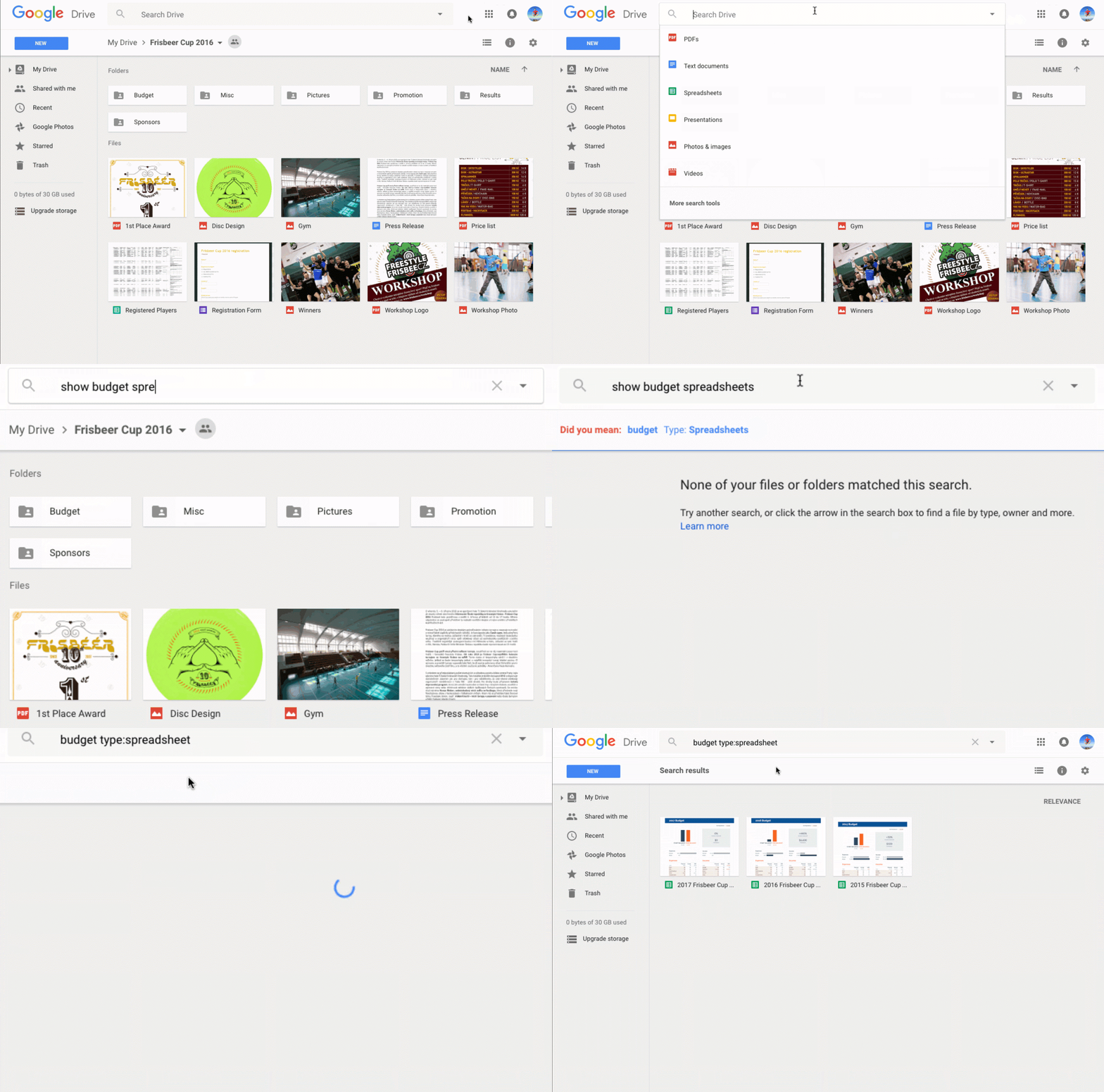
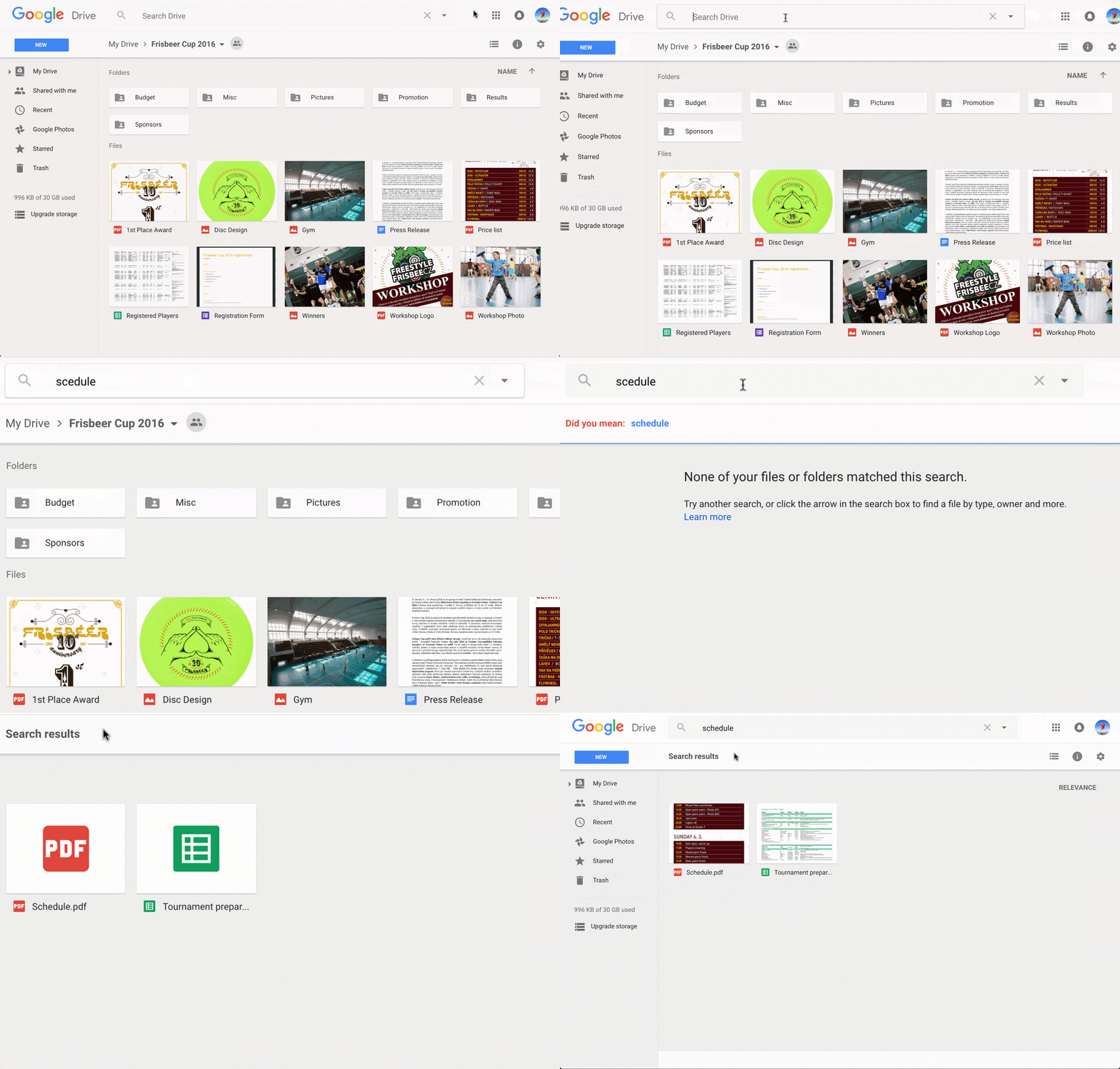
Another Google's Search feature that is implemented is the auto-correct feature. There are times when typos happen. With auto-correct, Drive can figure out what the input should be and can suggest corrections to misspelled terms.
People on the web are already familiar with the "Did you mean…" line on Google when they're messed up typing keywords into Search. Now Drive is having that same feature.
After the two notable changes, Google also added some more features to Google Docs. They are:
- The ability to split documents into multiple columns. To do this, users just need to choose "Columns" in the "Format" drop-down menu.
- The ability to autosave files when users are opening or editing non-Google files in Docs, Sheets and Slides.