
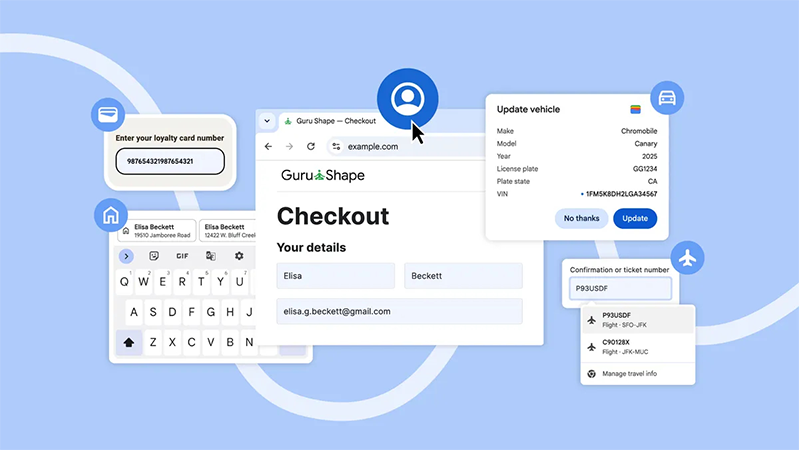
Google is rolling out a wide set of improvements to Chrome's autofill system, and on the surface, the changes promises a lot.
From smoother online shopping, quicker form-filling, and fewer moments spent digging through emails for travel confirmations, browsing the web using the popular browser just gets easier. But beneath those conveniences is a clear trend: the smarter autofill becomes, the more user data it demands, and the more deeply Chrome embeds itself into a person's digital identity.
The update expands Chrome’s access to data stored within a user's Google Account and Google Wallet.
Where autofill once handled basic entries like names and addresses saved locally in the browser, it now taps into a broader ecosystem of Google-hosted personal information.
Signed-in users will see Chrome automatically pull in their name, email address, home and work locations, and other details stored in their Google profile, whether they’re on desktop, Android, or iOS.
The result is a browser that increasingly acts as a single funnel for a user’s personal data, pulling information from multiple Google services without requiring manual entry.
The company presents these changes as four key improvements, though each introduces new layers of data consolidation.
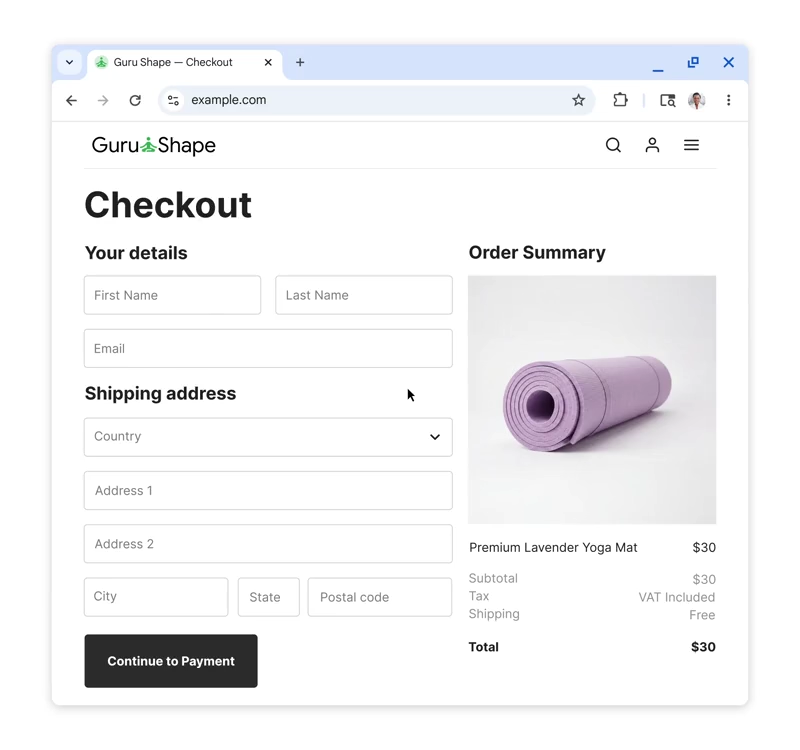
First, Chrome now draws directly from a user’s Google Account to autofill basic contact details. Instead of relying on information the browser saved locally, it uses data from the cloud.
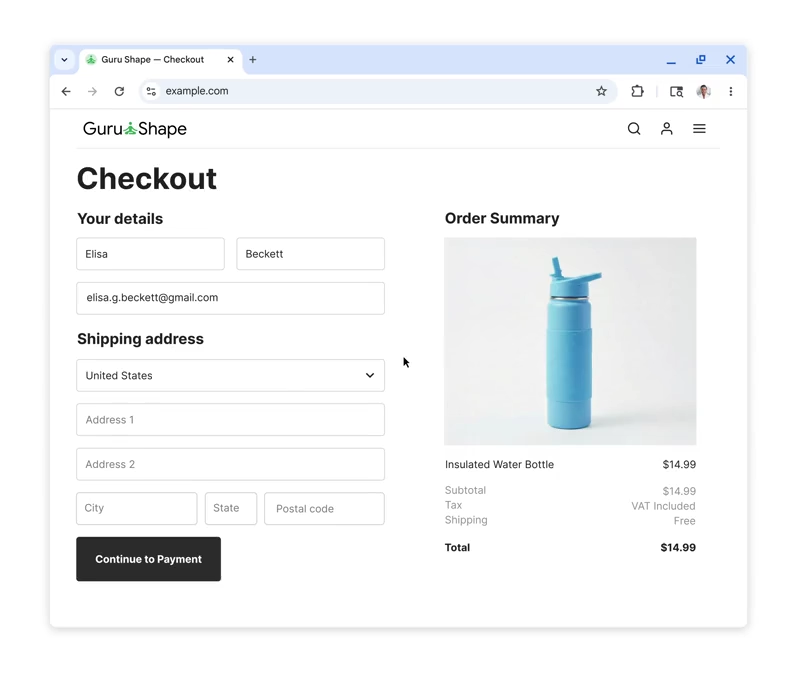
This may reduce friction when signing up for new services or completing online purchases, but it also means these everyday interactions are increasingly tied to a centralized Google identity.
Second, Chrome’s integration with Google Wallet goes far beyond payment methods.
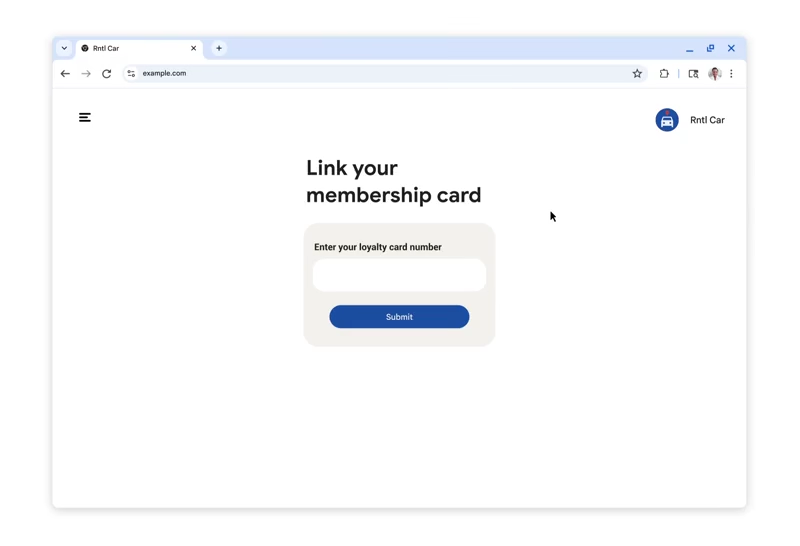
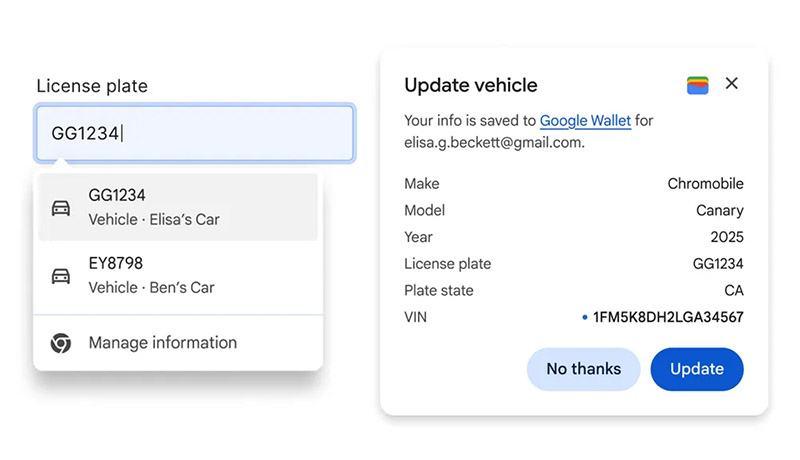
Autofill can now use stored loyalty cards, travel bookings, and even vehicle information to fill out forms automatically.
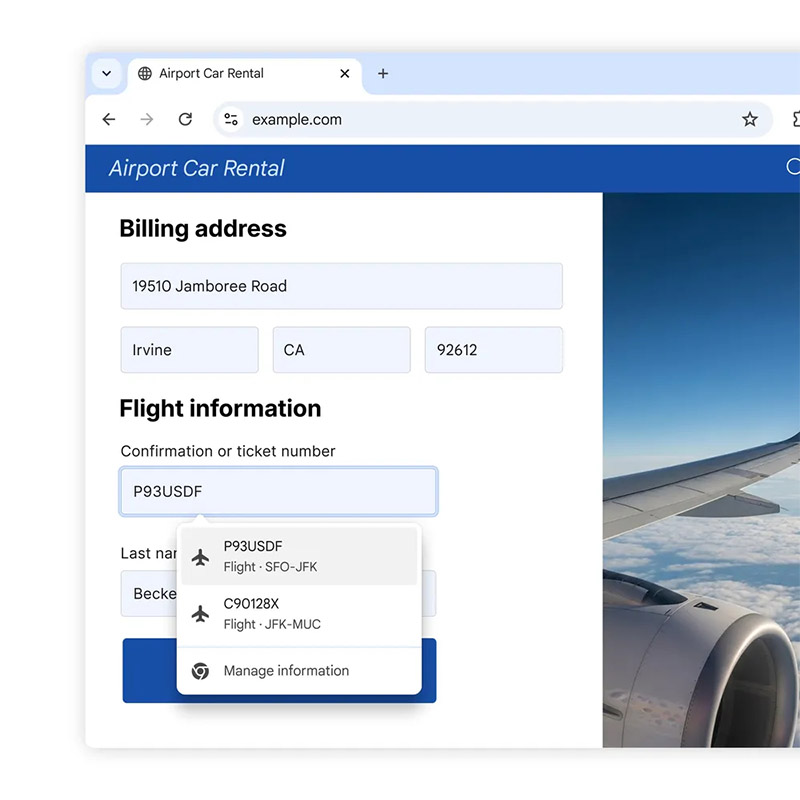
Passport numbers, driver’s license details, trip itineraries, rental-car reservation times, and confirmation numbers all fall under the autofill umbrella, so long as the user has enabled the "enhanced autofill" option.
What once required users to search their email or pull documents from storage is now a single tap away, but only because Chrome gains permission to access some of the most sensitive pieces of personal data found in a digital profile.
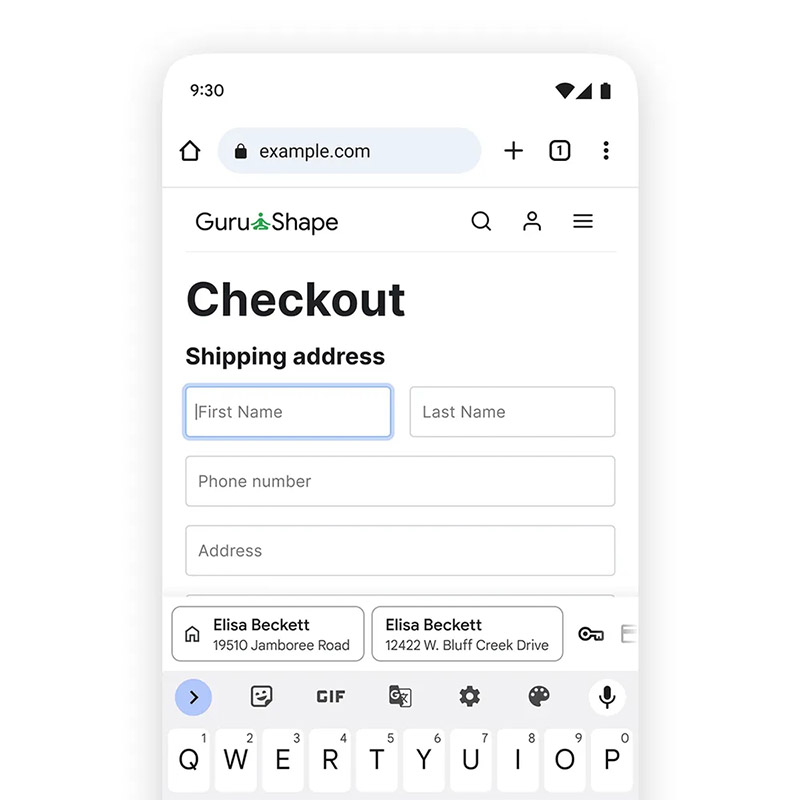
Third, Google addresses long-standing frustrations with mobile forms by improving autofill suggestions on Android.
Instead of cramped single-line entries, Chrome now displays two lines of information, making it easier to distinguish between similar items such as multiple addresses or payment methods. This may seem like a small change, but it reinforces Google’s goal of turning autofill into a more reliable default — nudging users to depend on the feature rather than entering data manually.
Fourth, Chrome is expanding its ability to understand and fill addresses around the world.
The browser can now handle nuanced formats like Mexico’s "between streets" descriptions and will soon support phonetic names in Japan. These changes reflect Google’s effort to remove the friction that comes from global address variations, while further encouraging users to store detailed address data in their Google accounts.
Individually, each improvement targets a familiar annoyance: repetitive checkouts, hard-to-remember loyalty numbers, confusing mobile forms, or inconsistent address formats. But collectively, they point to a long-term shift in how Chrome handles identity.
The browser is no longer just a tool for entering information. It's now evolving into a central repository of users' personal, travel, and even legal data.
For users, the trade-off is straightforward but increasingly unavoidable: more convenience in exchange for deeper data sharing.
The most sensitive features require explicit opt-in, such as enhanced autofill for passport and driver’s license information. But the rest, like names, emails, home and work addresses, are automatically pulled from the Google Account once the user is signed in. There is little granularity and limited ability to use Chrome at full convenience without tying one’s online activity more tightly to Google’s centralized identity system.
Chrome’s new capabilities undeniably streamline bookings, shopping, and document-heavy tasks. But the browser’s growing access to sensitive data also means a single point of failure carries higher stakes. A compromised Google account or an unlocked device now exposes far more than saved passwords or addresses.
In the end, the "smarter" autofill experience comes with a clear cost: users must place even greater trust in Google’s handling, securing, and interpretation of their personal information.