Google Chrome users are already benefiting from the browser's ability to download pages for offline reading. On May 8th, 2017, Google is tweaking the feature to make it easier and a lot more useful.
First of all, users can long-press any link and tap the new 'Download Link' option. This feature is also available when users long press an article suggestion on the new tab page. This will create a queue of articles to download. So for example if users want to read an article on Wikipedia that has a ton of links but realize that they will go to an area without internet connection.
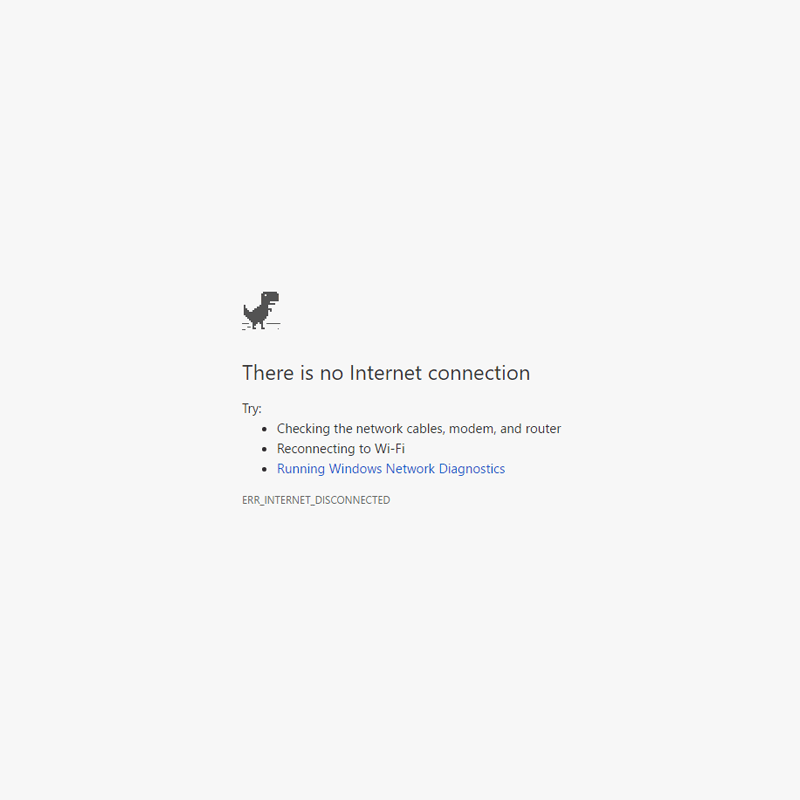
The second is when users are trying to connect to a page while offline (seeing Chrome's offline dinosaur). They can simply tap on the 'Download Page Later' to have the page loaded as soon as they regain internet connectivity. This can be handy for those that experience intermittent connection.
If users want to get back to the content they've downloaded, opening a new tab will show the articles they've downloaded tagged with a new offline badge. Chrome is also showing a list of all recent downloads on the page for easier access.

According to Google on its blog post, more than 45 million web pages are downloaded every week. This makes sense that Google wants to improve the feature for better convenience.
While the feature isn't at all a breakthrough or necessarily a big update, but it does make Google a better tool for offline readers as it is becoming more handy for those that are located in poor data connectivity.
Previously, users tend to use other apps, such as Pocket to do the same thing. With Chrome's ability to do the exact same thing, those apps can become a little redundant.
The features are rolling out to the latest version of Chrome on Android.




















































































































































































































































































