

The U.S.-based multinational computer software company Adobe, is introducing Spark which it hopes to help small businesses and non-profits in creating images, media and websites for their campaigns. Launched on May 19th, 2016, the software is a suit of tools to bring the web closer to developers.
The project started a few years ago when Adobe started rolling out a series of iPad-friendly apps that were supposed to ease developers in creating visual contents. They were: Adobe Voice for animated videos and presentations, Adobe Slate for more text-driven projects, and Adobe Post for social graphics.
And now with Spark, the company is bringing all those three together under a new name in one standalone app.
The idea behind Spark is the same: it allows users to make web stories, social graphics and animated videos without requiring users to have expertise in digital media. With the addition of a browser-based web app, Adobe is even making things easier for people to make and continue editing projects.
The tools also don’t require a lot of time to use. This is essentially helpful in particular when it comes to the pace of social media which media posts need to be fast if they want to be seen.
Initially, Spark's suite of tools is available for iOS and the web.
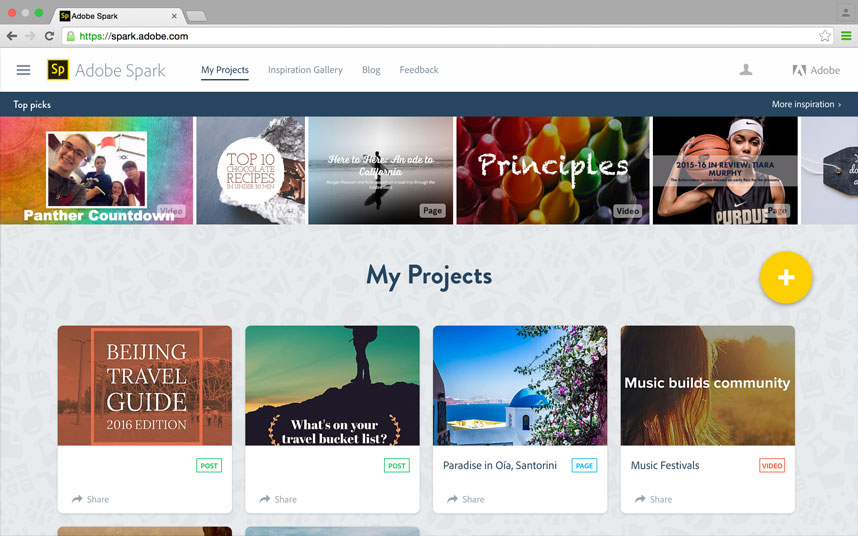
The Next-Generation Photoshop For Non-Professionals
With the new Spark, Adobe wants to address some of the most common problems for users on the web. For example, most modern apps nowadays automatically generate things like images or web pages. With no design to rule them, they may end up bad. Spark is Adobe's solution to ease the process by tidying things up.
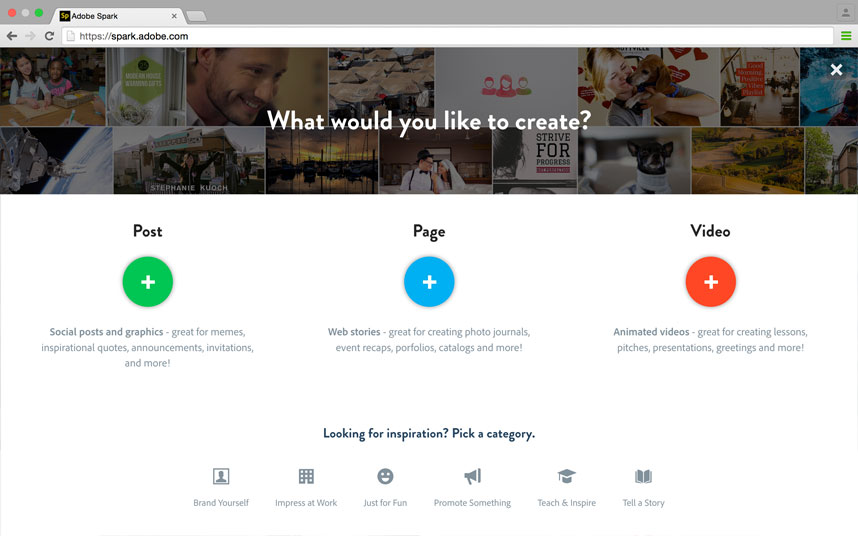
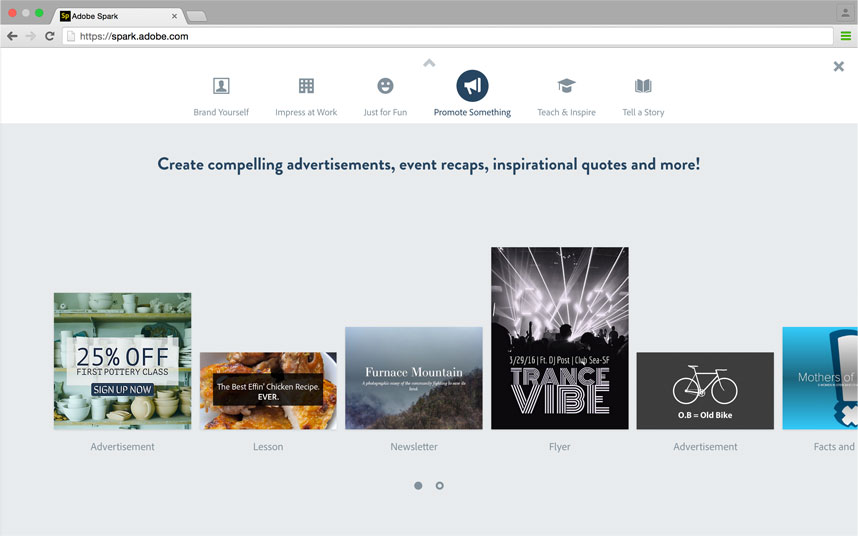
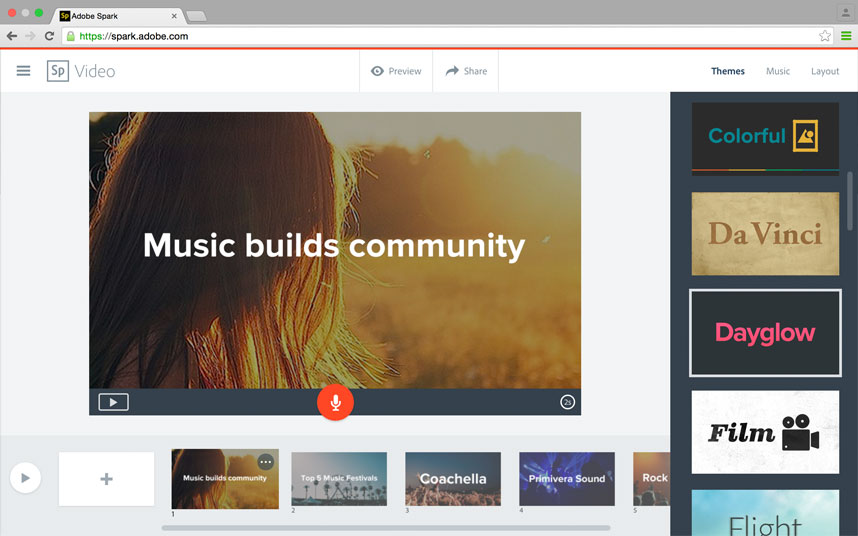
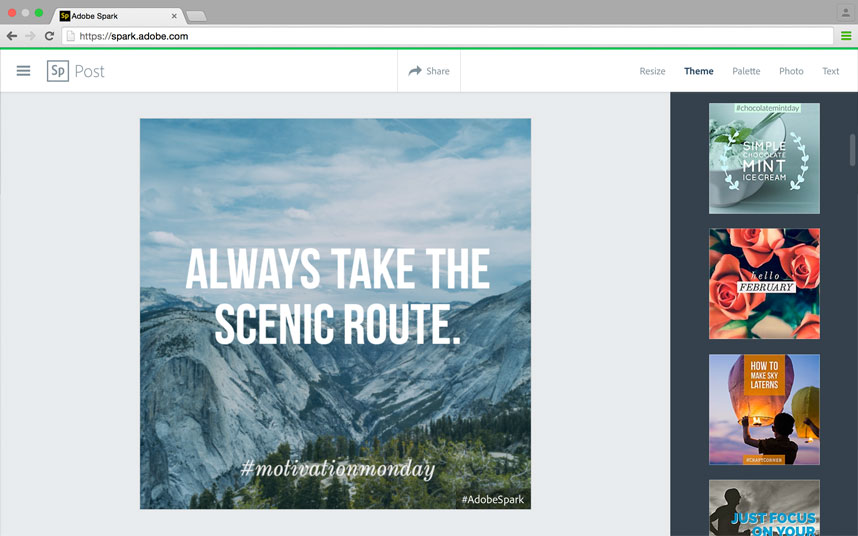
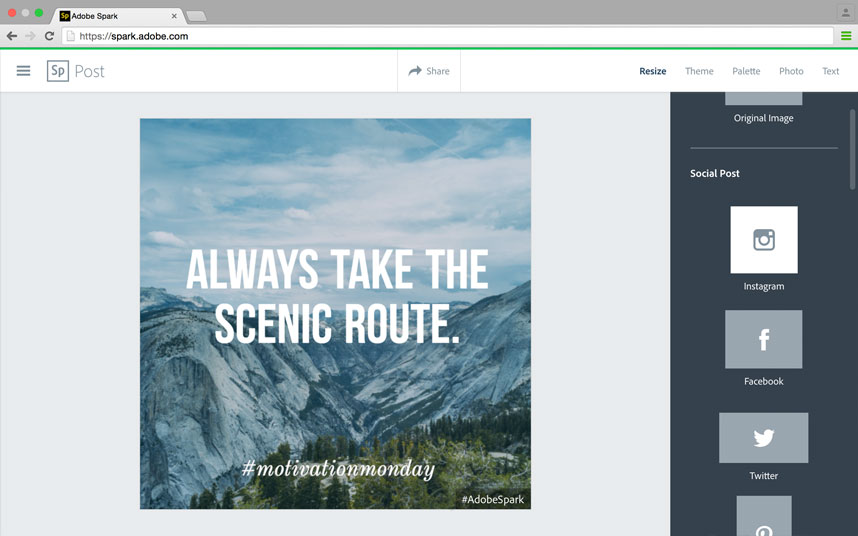
Users can quickly design great-looking images for Facebook, Twitter, Instagram to blogs and websites. The app eases the process with a handy selection of presets. Users just need to pick a size, a color palette and the title themes. Users can also choose from the ready-made templates to begin designing videos and web pages.
The app also allows a wizard to guide users through steps one at a time. With the process, users will only be given the easy things to do while Spark to the heavy lifting in the background.
As for the preset designs, most are modern-looking and stylishly made for the mobile era.
Breaking the three components:
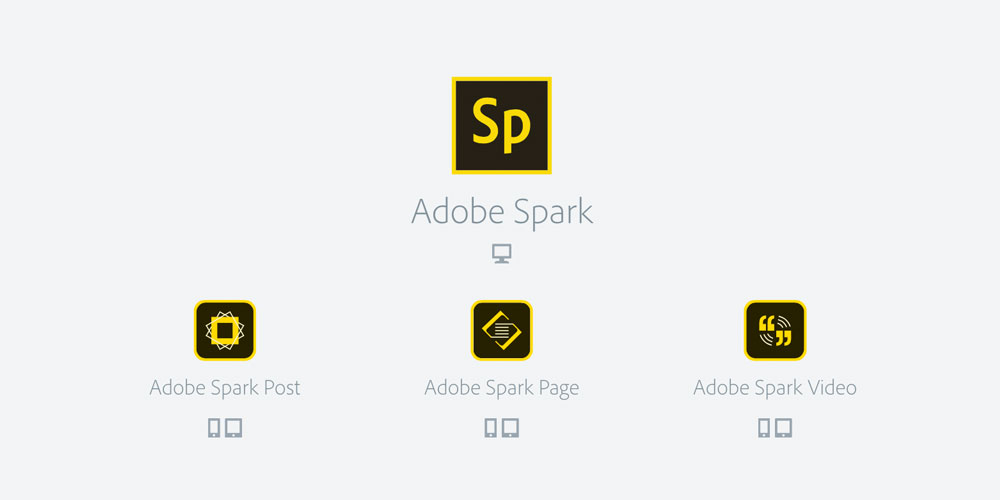
- Spark Post allows the creation of professional graphics within minute. Leveraging the concepts adopted by Photoshop and InDesign, Post has the ability to layer images with both text and filters.
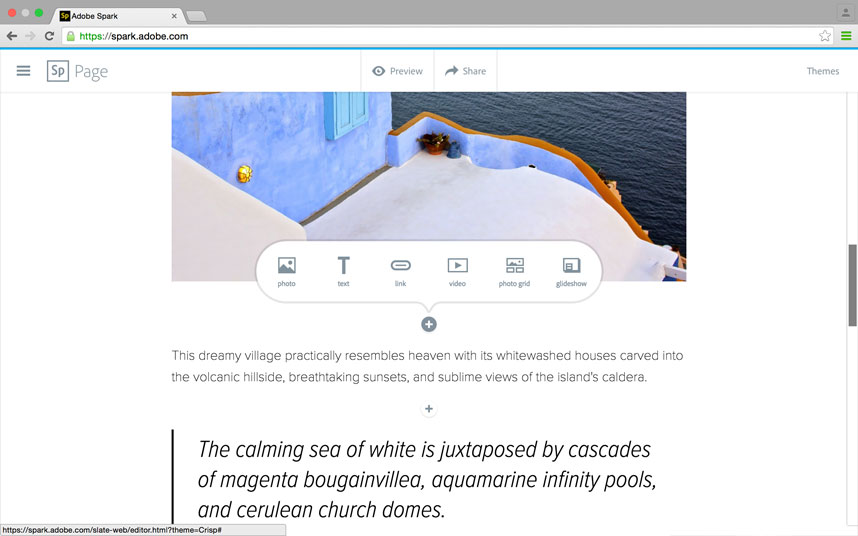
- Spark Page (previously: Adobe Slate) focuses more on web stories. With it, users can create things like magazine-styled stories, photo albums, online newsletter, reports and others that they want to be present on the web. Page is a simplified web editing platform which allows a mix of text and imagery.
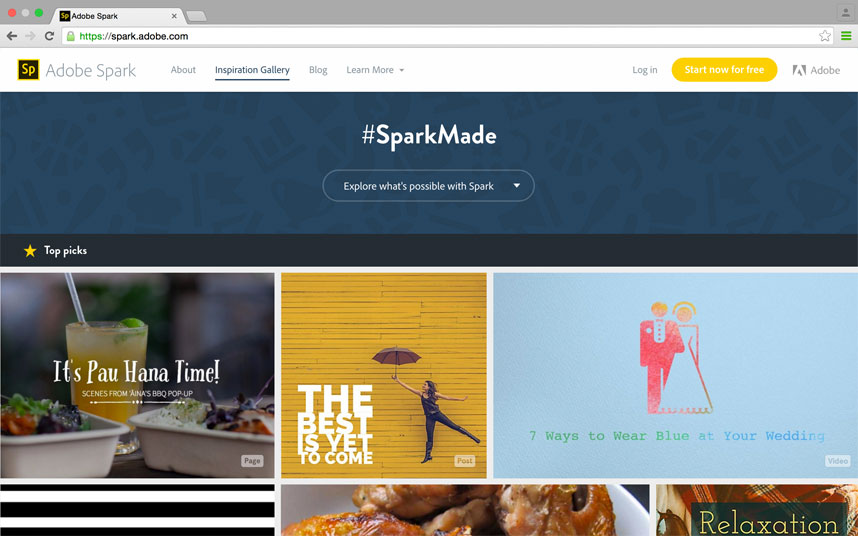
- Spark Video (previously: Adobe Voice) allows users to create animated videos in a matter minutes. While the tool may not be sufficient for filming content or doing sophisticated editing, it's more suited to theme presentation by combining text, images and icons.
So for those that are familiar with Adobe's products, especially the original Post, Slate and Voice, the new Spark app will feel familiar as this is largely the company's rebranding effort.
While the Spark rebrand goes in pretty much similar ways to the original software, what has really changed is that the app now integrated with Spark's web service. What this means is that users can create content from laptop, Chromebook or tablet. The project created on them will be synced across all of the user's devices. And in addition to that, the web version of spark eases development on the go.
"Whether you're in your office, at home, or working from the road, your projects will automatically sync across devices," said Adobe in its blog post.
While this is good enough, it actually broadens Spark's reach because at the moment of its release, the app is only limited to iOS only.
Conclusion
Adobe in releasing the new Spark is hoping that people will see the web as something more friendly to non-coders and non-designers. With its syncing ability and the ease to create projects, the company wants to get more attention from those pool of audience.
So unlike Adobe's Creative Cloud suite of apps, Spark is serving the market of non-professional creators. As Adobe's head of next generation products said, Spark is like the "next-gen Photoshop," with "atomized apps" within one larger platform. It's more of a software for small business owners and active social media users, rather than pro creators and editors.
While the suite of tools, with the help of Adobe's famous brand name, do have the opportunity to compete many other tools alike, the app still have limitations. For example, users can't export some of their projects to use on their own website, though they can embed them as Adobe-hosted projects. And its initial release doesn't have an Android version of the app.
To give the initial boost, Adobe makes Spark as a free app. But the company is planning to release the paid versions that offer more features and more granular control.