
As smartphones become more powerful and complicated, they can do many things. And with that many things, users can store and interact with their device in a way more frequent. But the more users use their mobile devices, finding things inside mobile devices tend to be difficult.
The more apps users install, the more fragmented its storage become and the less efficient they can look for things.
Previously, the search giant Google has been working to bring those information to surface easier using its search engine. On August 30, 2016, takes that step further with its search mode on Android.
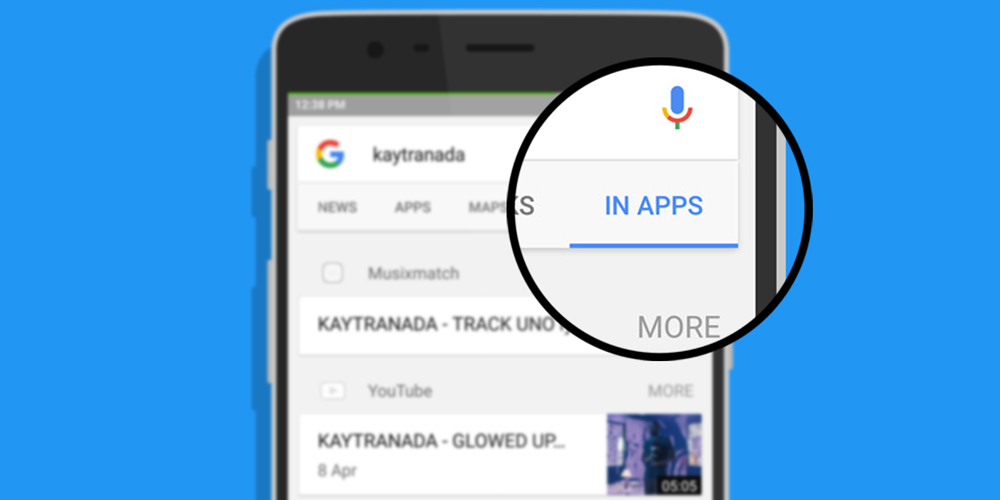
What this features does, is essentially a search engine for mobile devices. Inside Google's app and Google Now, the new "In Apps" search mode can find contents that reside within installed apps. The feature acts as a filter (adding to the already well-known News, Images and so forth) for the in-app search.
With it, users can search for things they've said in chat apps, search their contact list, find specific text in messages and emails, look for saved songs and also videos.
At the moment of its launch, the In Apps search only works with Gmail, Spotify, Facebook, Google+, Gmail and YouTube, but Google says it's working on adding Facebook Messenger, LinkedIn, Evernote, Glide, Todoist, and Google Keep.
Google has already been working to bring in-app search that enables searches of contents within apps with its app indexing project. The project was expanded in 2015 to include apps that didn't have matching we contents. It has also rolled out a feature where users can stream an app from virtual machine.
However, some apps can't be indexed by Google. While users can easily find anything online using Google, personal contents and messages for example, aren't things that can be indexed. To bring In Apps in to Google's app, Google has to make the app able to dive deeper into the mobile operating system, and this is why the feature is currently available on on Android.
As a matter of privacy, Google said that the In Apps feature works entirely locally and doesn't need any internet connection. This way, privacy concerned users can feel safe knowing that Google won't beam their private information up to its servers.
And what's more, users can also configure which apps will appear by going to the Google app's Settings and toggling the various apps on or off.






















































































































































































































































































