Notepad has long been the epitome of simplicity—a fast, no-frills text editor that’s been part of Windows since 1983.
It was the app you opened when users needed to jot something down quickly, free from distractions or unnecessary features. Notepad has long served as the go-to tool for quick notes, basic code editing, and uncluttered text work. Unlike most other Windows apps, updates to Notepad were rare.
The thing is, that was part of its charm.
Since the day Notepad was born, it was considered one of the simplest of Windows applications.
That until Microsoft made a surprising move: infusing Notepad with AI capabilities by integrating Copilot.
This effectively transforms this humble text editor into a more powerful tool.
By late 2021, updates to the iconic text editor had become so rare that even a mild visual refresh and a few extra settings were treated as groundbreaking. But times have changed—and dramatically so.
Since the advent of Windows 11, Microsoft has taken a bold new direction, shifting its focus across the popular operating system towards generative AI.
With Copilot inside it, Notepad, once untouched for decades, is now seeing am upgrade that brings AI front and center.
It all can be traced to November, when Microsoft introduced preview features like Rewrite and Summarize, which allowed users to rephrase or condense selected text using the power of AI.
These tools marked a clear departure from Notepad’s minimalist past.
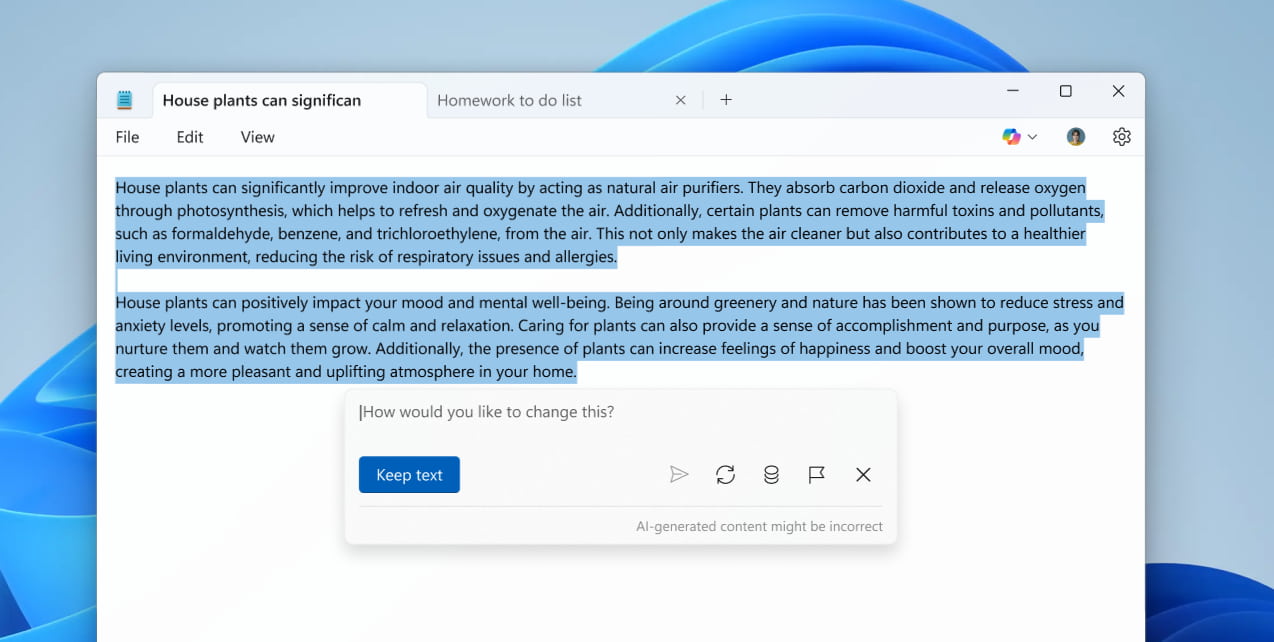
This time,, Microsoft is pushing even further by giving Notepad a new capability called Write—a feature that can generate entirely new text from scratch based on a user’s prompt or simple instructions.
This feature isn’t just about rewriting things. Since it's powered by Copilot, Write is a tool powerful enough for content creation.
Write lets users prompt the AI to produce ideas, paragraphs, or full sections of text, all within the familiar Notepad interface. Because its literally a generated output of a generative AI, results can then be kept, discarded, or refined with follow-up prompts.
This upgrade is certainly a game-changer for productivity, especially for writers, coders, students, or anyone looking to ideate faster.
However, this AI functionality does come with a caveat.
Like other Copilot-powered tools in Microsoft’s ecosystem, it requires users to sign in with a Microsoft Account. And usage is governed by a credit-based system. Free users without a Microsoft 365 subscription receive 15 credits per month, and those with Microsoft 365 Personal or Family subscriptions get a more generous allotment of 60 credits monthly.
For those concerned about privacy or preferring a classic experience, Microsoft has included the option to disable AI features in Notepad’s settings.
And because Notepad's access to Copilot requires a Microsoft account, users of Windows who aren't logged in, or use a local (non-Microsoft) account, these features are simply unavailable by default.
Additionally, Microsoft is also releasing preview updates for Paint and Snipping Tool, two other simple but long-lasting and powerful Windows apps that hadn't seen much by way of major updates before the Windows 11 era.
For Paint, its new features are also mostly AI-related, including a "sticker generator."
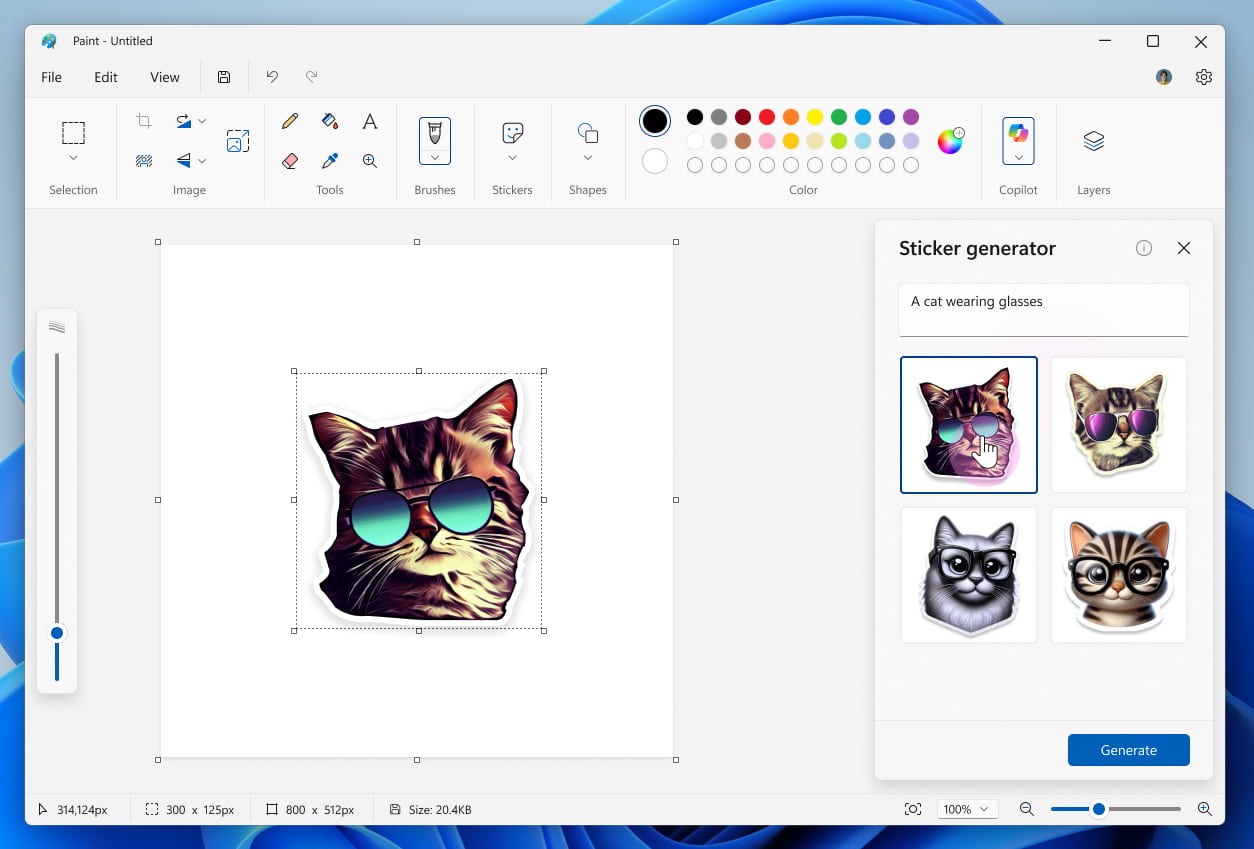
And an AI-powered 'Object select' tool "to help you isolate and edit individual elements in your image."
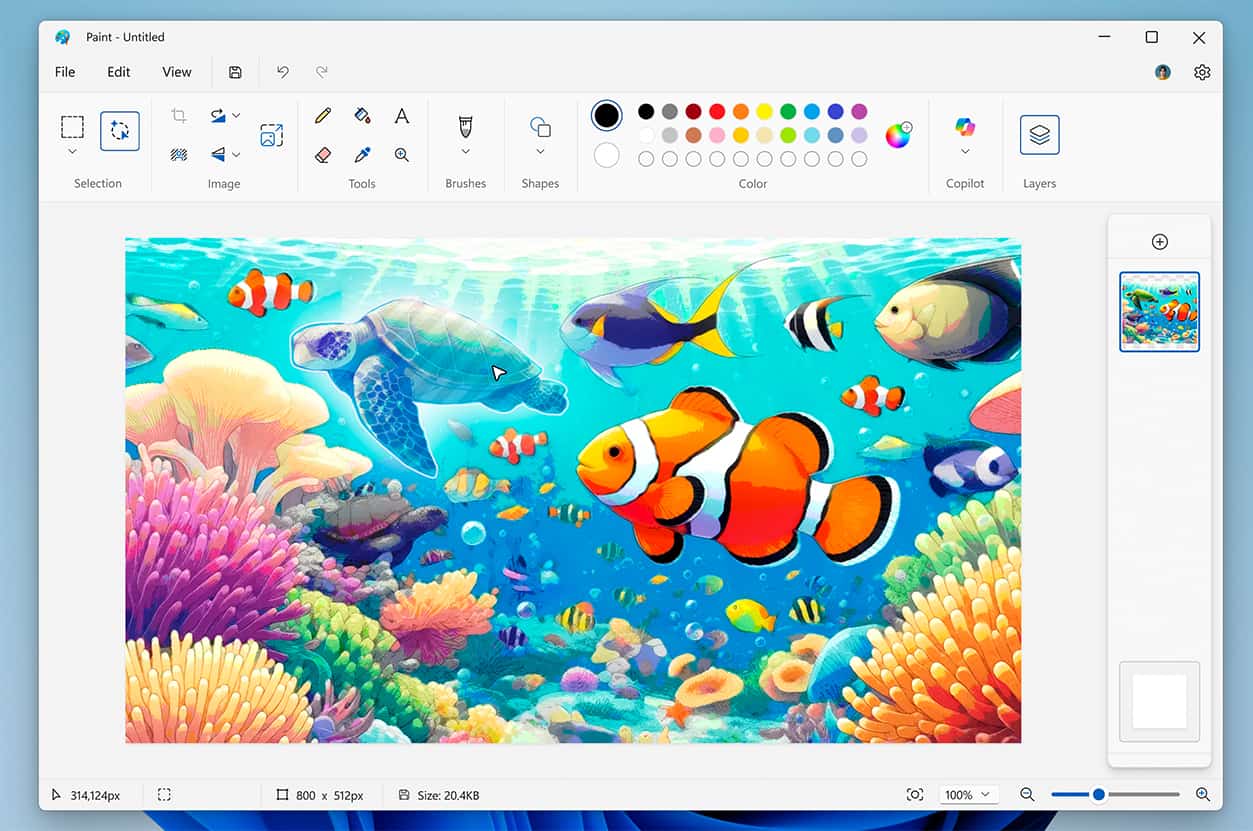
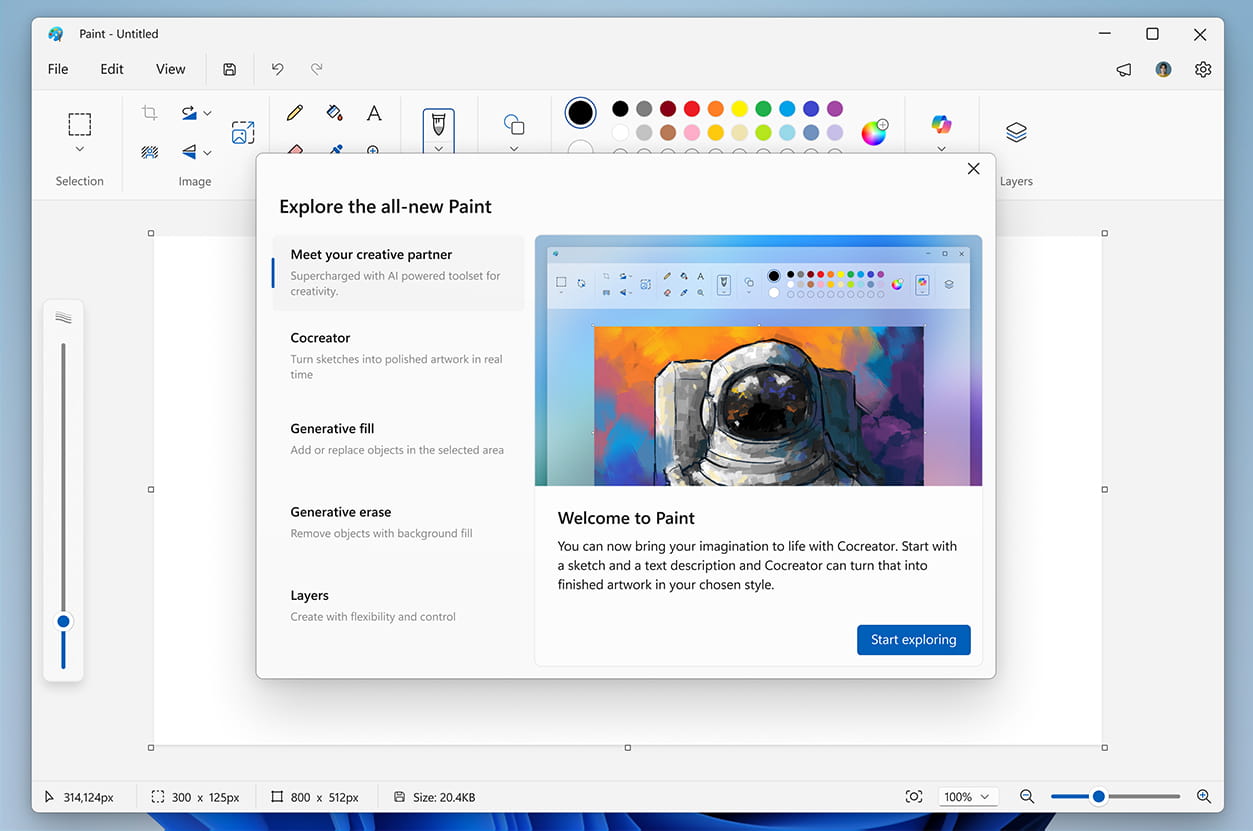
A new "welcome experience" screen that appears the first time users launch the app will walk them through the (again, mostly AI-related) new features Microsoft has added to Paint in the last couple of years.