
Number is just a number. Yes, partly true, but entirely crucial when it comes to storage space.
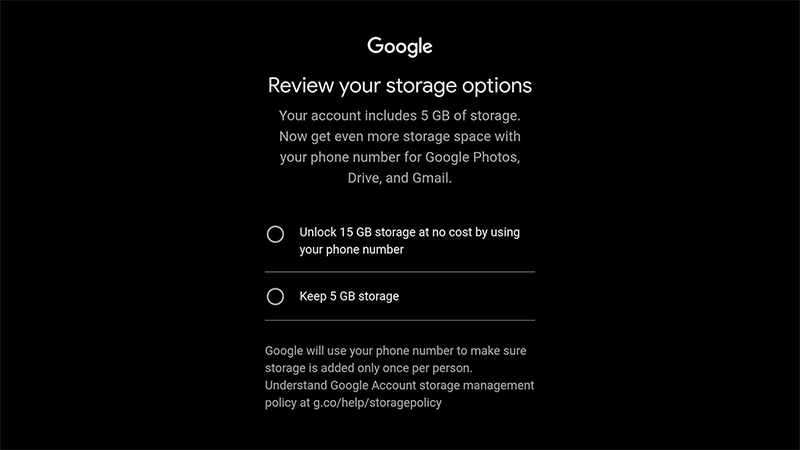
Google has quietly adjusted its free storage policy for new accounts, shifting from the usual 15GB to a default 5GB limit when users create an account without linking a phone number. This can be devastating for a lot of users since that amount of storage space covers pretty much everything a user has.
From storing emails on Gmail, files on Google Drive, and photos and videos on Google Photos.
Without a phone number, users will be capped at just 5GB.
But upon adding a phone number during or after signup will restore the full 15GB allocation at no extra cost.
The change first gained attention in early May 2026 through user reports on forums, particularly from regions in Africa and other select areas.
During account creation, a prompt now appears offering two paths: continue with 5GB or verify a phone number for the higher limit. Google explains that the phone requirement helps prevent abuse by limiting multiple free accounts per person while also strengthening account security and recovery features. In many setups, phone verification is already mandatory, so the 5GB option mainly applies when that step can be skipped.
It's worth noting that the change only affects new users.
Existing accounts remain untouched and continue to receive the standard 15GB.
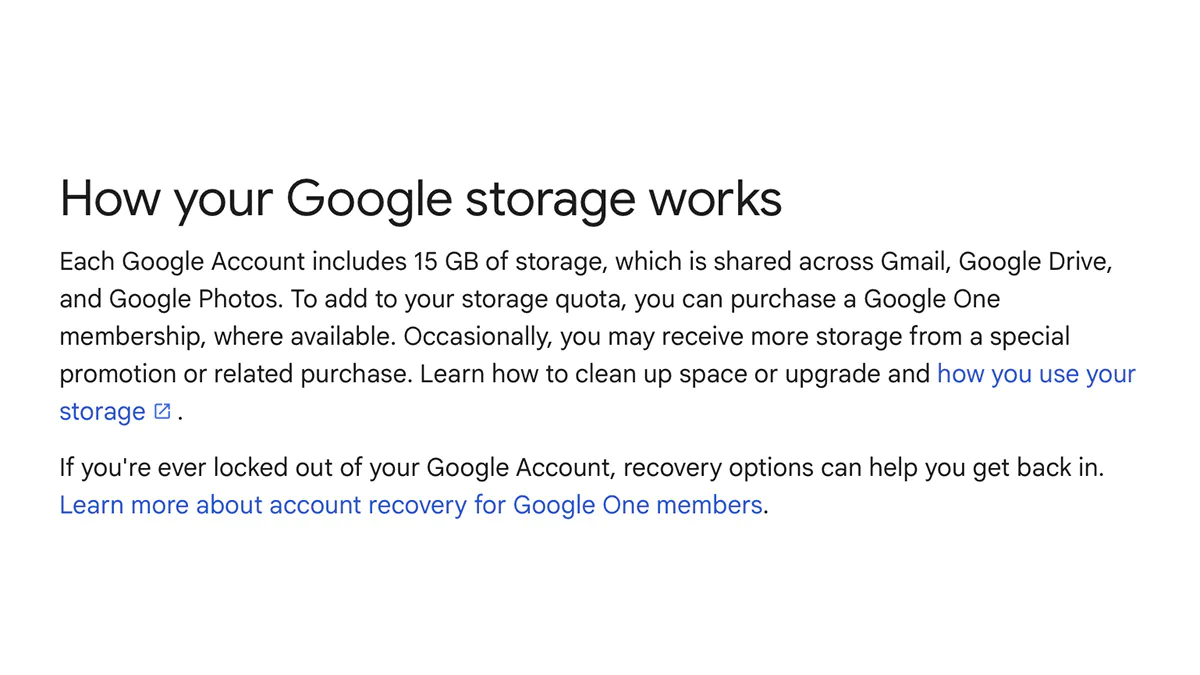
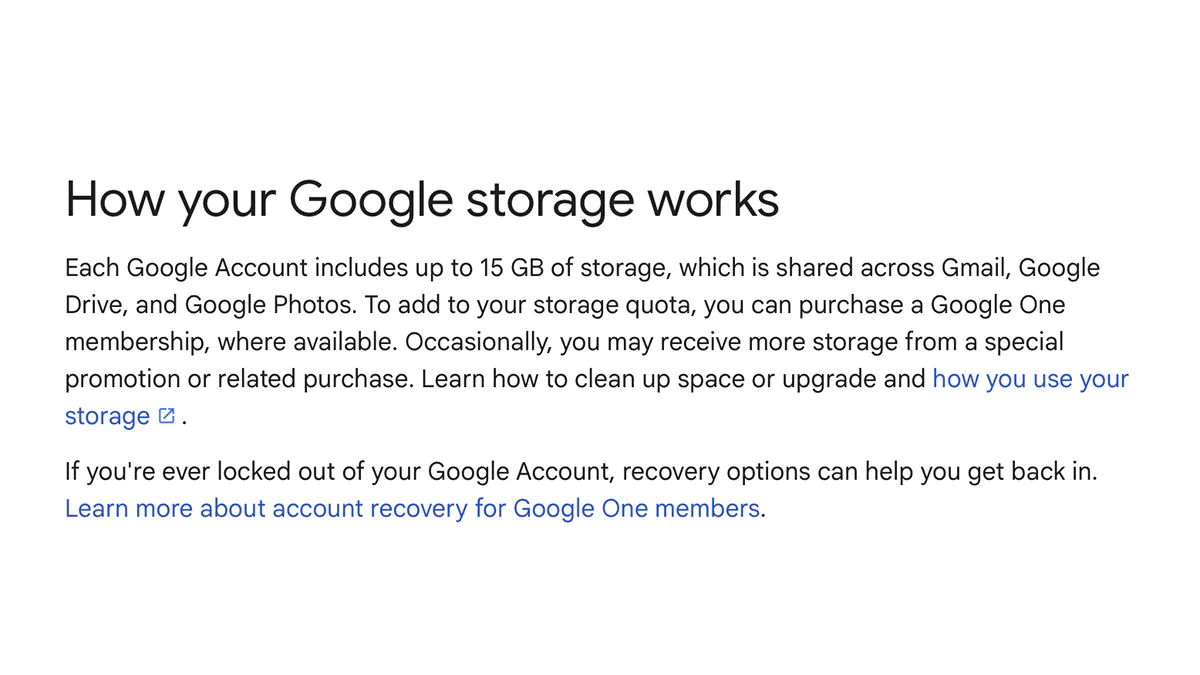
Google has framed the adjustment as a limited test in specific regions rather than a full global policy shift. The company has also updated some support documentation to describe free storage as “up to 15GB,” signaling that the amount may depend on verification. This reflects ongoing challenges in managing cloud infrastructure amid rising demand.
Public responses have been mixed.
Some users see the phone verification as a reasonable trade-off to curb spam and fake accounts, while others worry about the increased collection of personal information.
Those who prefer not to share a number can still create and use accounts with the reduced 5GB cap, though they may need to be more diligent about managing storage or consider Google One subscriptions for additional space.
The rollout is not uniform, so the experience can vary based on location and how the account is set up. New users are advised to review storage options directly during signup or in account settings afterward.