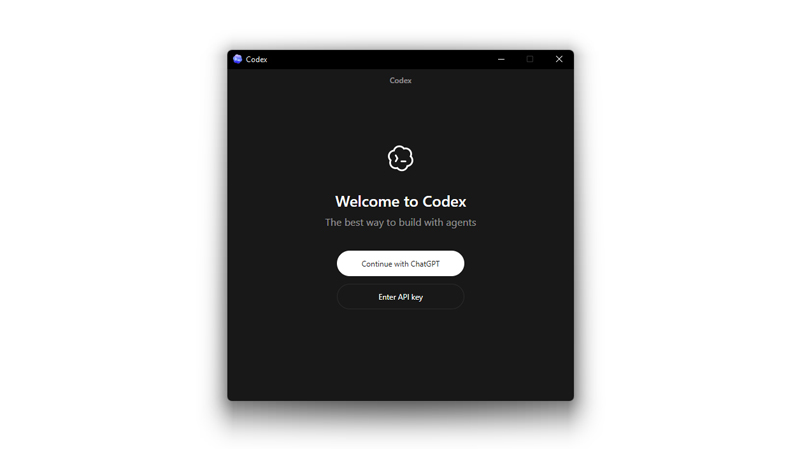
OpenAI has expanded its developer tooling with the release of the Codex desktop application for Windows.
What this means, the company is bringing its AI-driven coding workflow to a much larger developer base. Originally introduced as a macOS app earlier in 2026, the Windows release provides the same core experience.
And that is a dedicated environment where developers can coordinate multiple AI coding agents, automate development tasks, and collaborate with AI on complex software projects.
Rather than functioning like a traditional code editor or simple autocomplete assistant, the Codex app acts more like a command center for "agentic" software development.
Developers can delegate work to AI agents that operate in parallel, each handling different parts of a project. These agents run in isolated threads tied to specific tasks, allowing developers to switch between them without losing context.
This model reflects a shift in modern development workflows: instead of asking an AI for single snippets of code, engineers can supervise multiple agents completing tasks such as refactoring codebases, implementing new features, or running tests across projects.
The Codex app is now on Windows.
Get the full Codex app experience on Windows with a native agent sandbox and support for Windows developer environments in PowerShell.https://t.co/Vw0pezFctG pic.twitter.com/gclqeLnFjr— OpenAI Developers (@OpenAIDevs) March 4, 2026
Codex has been around for quite a while, originally developed in 2021 from a fine-tuned of GPT-3 for translating natural language to code. Then, in 2025, OpenAI introduced a new, distinct product also called Codex, but as an autonomous, cloud-based software engineering agent powered by models like codex-1/o3 derivatives)
This Codex on the other hand, isn't merely another wrapper around chat.
A key capability of the Codex app is the ability to run several agents simultaneously on the same repository using worktrees.
Each agent works on its own isolated copy of the code, which makes it possible to experiment with different approaches without risking conflicts in the main codebase. Developers can inspect changes produced by agents, review diffs, comment on them, or open the results directly in their preferred editor to make manual adjustments.
This approach blends human oversight with automated development work, allowing engineers to supervise progress rather than writing every line themselves.
Security and system safety are also built into the application design.
On Windows, Codex uses a native sandbox that restricts what an agent can access and execute on the system.
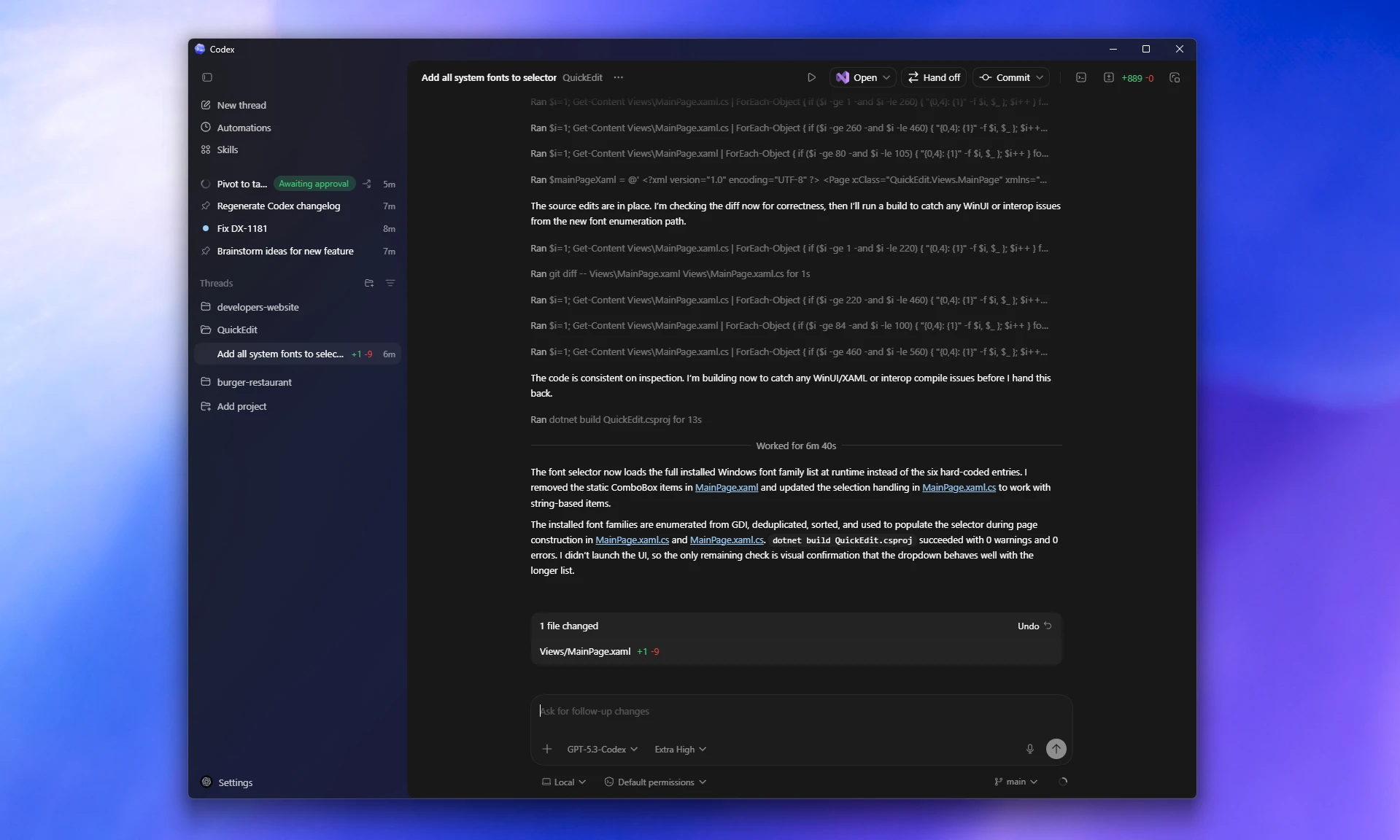
By default, agents are limited to modifying files within the project environment and performing specific operations unless additional permissions are granted. This sandboxed execution model helps developers safely allow agents to run commands, interact with project files, and perform automation tasks without exposing the entire system.
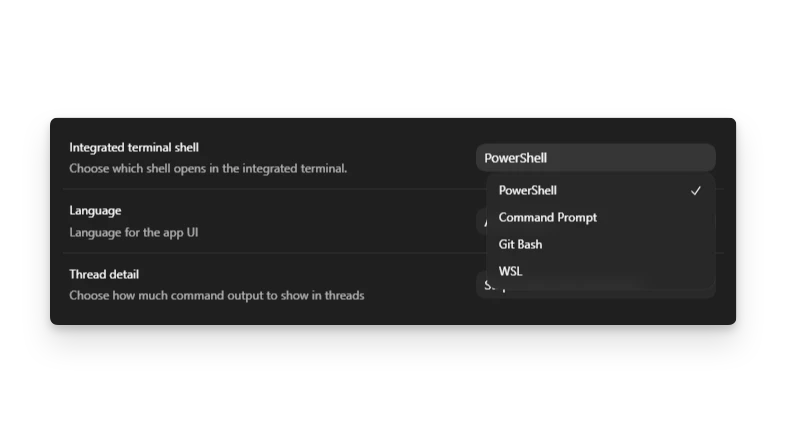
The Windows version integrates naturally with the platform’s development environment, including support for PowerShell and standard Windows tooling.
Developers can also choose to run agents within environments such as WSL if their workflow requires Linux-based tooling. This flexibility ensures that the Codex app fits into a wide range of developer setups rather than forcing a completely new toolchain.
Another core feature is the concept of "Skills," which bundle together instructions, scripts, and resources that allow agents to interact with specific tools or workflows.
For example, a team could define skills for tasks like generating documentation, running CI checks, or preparing pull requests. Over time, this creates a library of reusable capabilities that encode how a team builds and maintains software, allowing agents to follow the same standards and processes used by human developers.
Codex also supports background automations, enabling developers to delegate repetitive engineering tasks. Agents can monitor issues, run test suites, triage alerts, or prepare routine updates without constant prompting. These automations are designed to operate continuously in the background so that engineers can focus on higher-level design and architecture work while the AI handles maintenance tasks.
One practical advantage of the Codex ecosystem is that sessions and project state are tied to the user’s ChatGPT account.
This means work started in the desktop app can continue seamlessly across other Codex interfaces, including the command-line tool, IDE extensions, or web environment. A developer could start a task on one device and continue supervising it from another without losing context or progress.
Codex app on Windows! https://t.co/H5KS42RSNp
— Sam Altman (@sama) March 5, 2026
The arrival of the Windows version is significant because it opens the platform to the majority of developers who work on Microsoft’s operating system.
By delivering the same capabilities previously available on macOS, OpenAI is positioning the Codex app as a cross-platform hub for AI-assisted software development.
With multi-agent workflows, secure sandbox execution, automation features, and deep integration with existing tools, the Codex desktop app reflects a broader shift in how software may be built in the coming years: less about writing every line manually and more about orchestrating intelligent systems that can execute engineering work alongside humans.






















































































































































































































































































