Since its inception, Material Design has been Google’s design language for apps and the web.
Not to everyone's taste, but Material Design is a design that wants to unify everything Google has, and also beyond. To make this happen, the company has expanded this design language by offering more tools. And to unify all them, and also to make them easier to customize, Google built a theming feature and set the specifications for how applications should look, as well introducing open-source components for developers to use.
And in addition to these, Google is making Material Gallery, the same tool it uses to help its designers to collaborate on designs, available to everybody.
All of these features are available at the redesigned Material.io website.
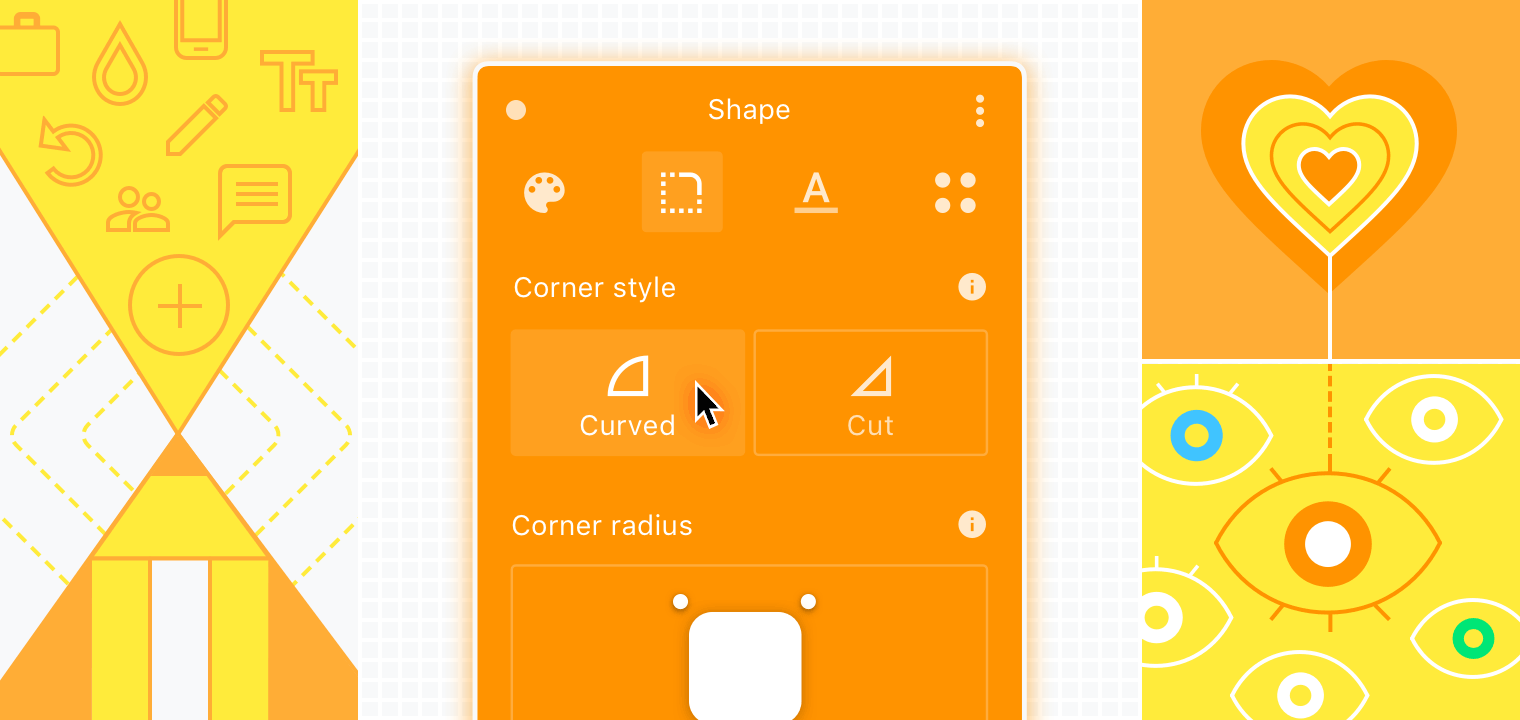
Material Design introduces "Theme Editor" which allows developers to unify design across applications. Here, it provides developers an interface where they can create specific themes which can then be exported and integrated through the design process.
This allows developers to apply global changes throughout their entire design library.
Initially, the theming process only works in Sketch. While the tweaks that developers can apply are still limited, Google said that it has plans to add more customization options.
The next is the "Gallery" for Material Design.
This tool allows developers to give feedback and track revisions on uploaded design elements. The tool also provides a gallery feature where developers can share their designs or comment on others'.
"Now anyone can use Material Gallery to review and comment on design iterations," said the Material Design team. "It’s the same tool that Google designers have used for years to collaborate on designs in-house, and now it’s out of beta and open to all."

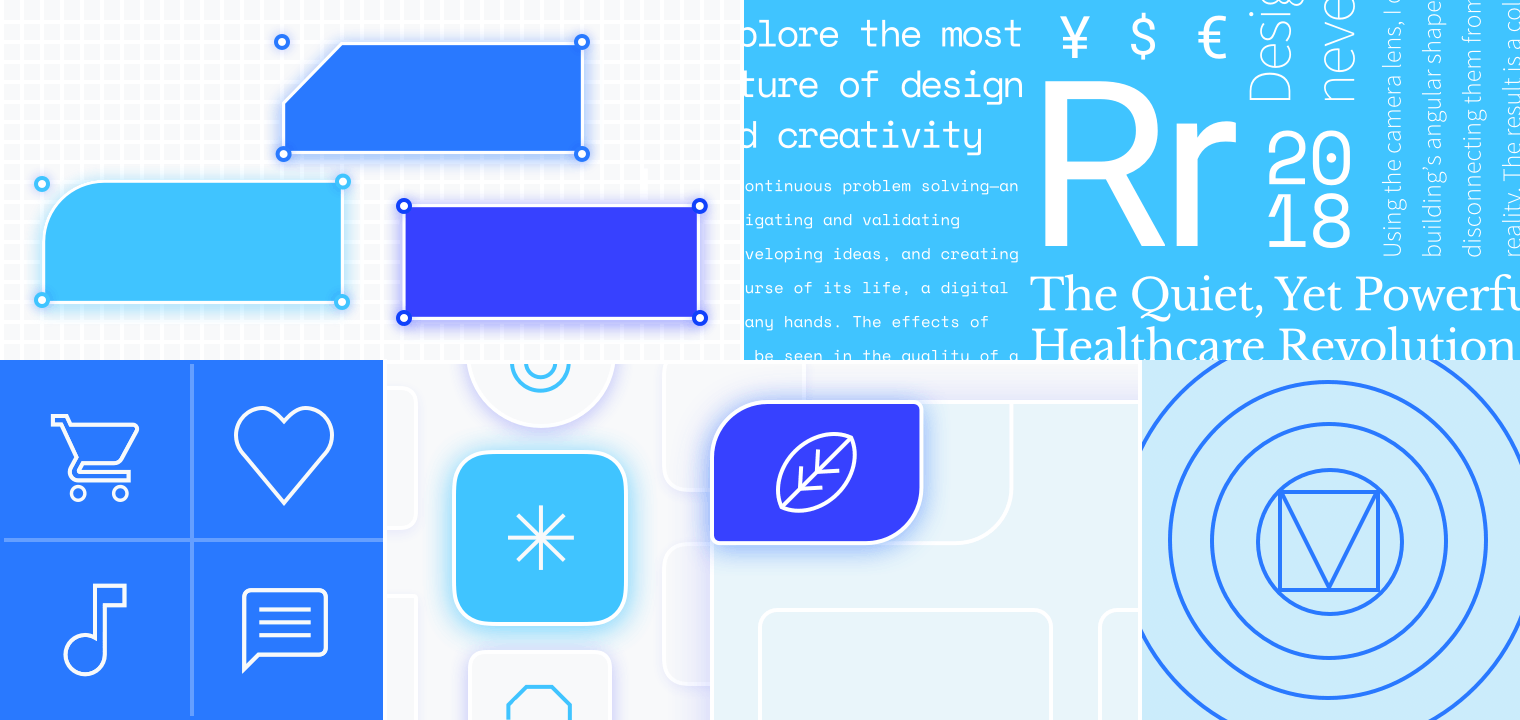
There is also "Icons" which is a group of open-source icons in five different groups, (filled, outlined, rounded, two-toned, and sharp) that all meet the Material Design specifications. The icons can be downloaded through Material.io/tools/icons, or through its git repository.
While the changes are significant, Google is doing any major changes to the overall Material Design design language. The company's goal, is to make the design easier to adopt, and making developers more eager to use it.
In short, the tools simplify the workflow for creating and sharing Material Design designs, and providing developers more ability to make that happen.
"Theming lets anyone consistently and systematically express their unique style across a product," the team explains. "When you make just a few decisions about color and typography, for example, it’s simple to apply the direction throughout the environment."