
On the web, there are various of tools you can use to check your website for vulnerabilities and performance issues. And Microsoft is having one too, and it's launching it to the public.
So if you wonder that your website, is as good as it seems, or has updated with the code it needs, The people who built Microsoft Edge have just launched 'Sonar', an open-source tool to help developers test their website to see for issues.
Sonar began as a project, announced as a donation from Microsoft to the JS Foundation back in June 2017. As part of its commitment to befriend the open source community (something that once was its enemy), the company is releasing the product for any website, including online stores, blogs and others to use.
Microsoft is also inviting developers to join in and help make the tool better.
To use Sonar, you just need to enter your website's URL. Initially, Sonar will scan your website for accessibility, interoperability, performance, progressive web app-related issues and security. After it has finished scanning, it will show a list of errors it found, highlighting the errant code snippets, give some explanations as well as some possible solutions.
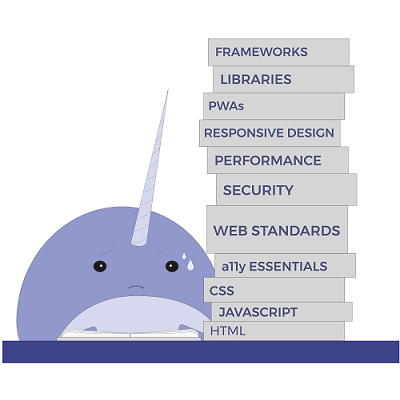
Announcing Sonar, Antón Molleda, a senior program manager for Microsoft Edge, said that:
Sonar is a linting tool and site scanner with a focus on helping developers build better, faster and more secure websites.

While there are a lot of similar options out there on the web, Sonar has its own selling advantages. According to Molleda, he said that Sonar will improve its capabilities, and argues that its approach to analyzing websites is a bit different from other tools because it doesn't just run a static analysis on the code.
Instead, it actually executes the code in a container and can run tests in parallel. The team also integrated Sonar with tools like aXe Core, AMP validator, snyk.io, SSL Labs and Cloudinary.
Sonar doesn't have to run on a web browser as you can also invoke its command-line interface. For those who want to dig deeper and integrate it into their own workflows and rules, the command-line interface is the option..
Initially, Sonar has a limited abilities. But Microsoft aims to put more features, including customization, plugins and support for additional rules to test for performance, accessibility and security.






















































































































































































































































































