Today, in the era of social media and AI, the web has become more interactive, intelligent, and deeply integrated into everyday life.
And WordPress is still one of the most widely-used content management systems out there. With 'WordPress 7.0,' named "Armstrong" after the influential jazz musician Louis Armstrong, the platform wishes to provide users with greater flexibility to shape their online presence in personal and creative ways.
This major update introduces foundational AI capabilities into the core platform for the first time.
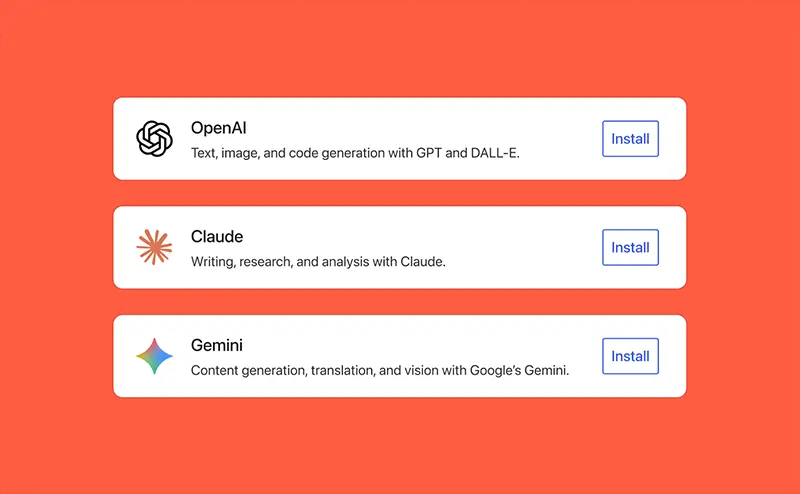
A new WP AI Client enables WordPress to connect with generative models from providers including OpenAI, Google Gemini, and Anthropic Claude.
WordPress 7.0 “Armstrong” is here.
This major release introduces foundational AI tools, a refreshed admin experience, expanded design controls, new blocks, and powerful developer APIs.
Explore what’s new, update when you’re ready, and start building with WordPress 7.0 today.… pic.twitter.com/eIVtWblxo5— WordPress (@WordPress) May 20, 2026
These connections are managed centrally through a Connectors screen in the dashboard, where API keys can be added and organized securely.
The system supports features such as generating post titles and excerpts, suggesting alternative text for images, and working with image generation or editing tools. An accompanying AI plugin extends these options further, while a new client-side JavaScript package brings abilities directly into the browser environment, complete with a command palette interface for quick access.
The administrative interface has undergone a significant modernization.
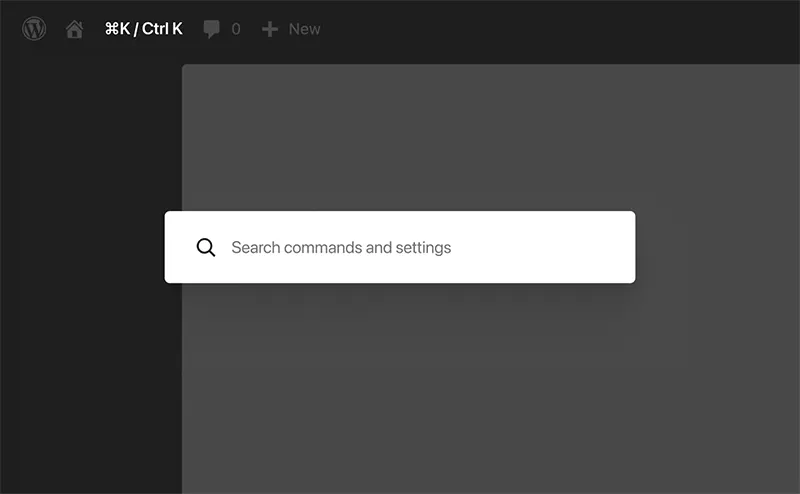
The dashboard now features an updated color scheme, smoother transitions when navigating between sections, and a cleaner overall appearance that improves daily use. A global command palette, triggered by Ctrl+K on Windows or Cmd+K on Mac, allows users to search for and access tools from anywhere in the admin area without hunting through menus.
Font management has been unified into a dedicated section that works across block-based, hybrid, and classic themes, simplifying the process of installing, uploading, and organizing typefaces.
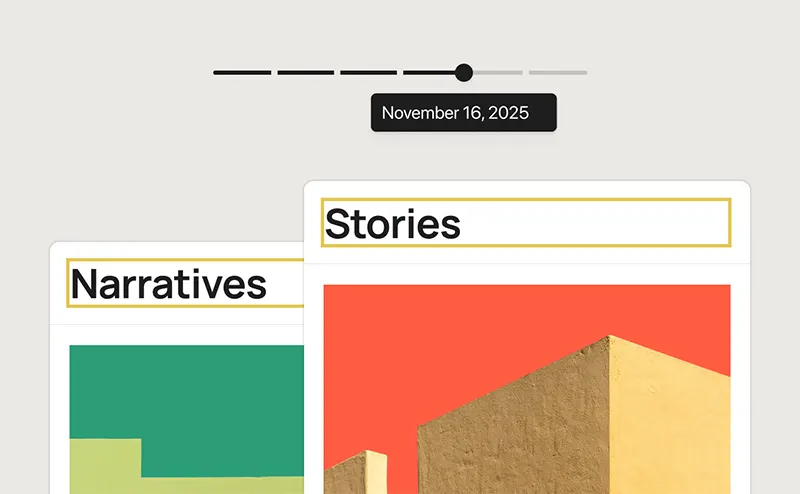
Revisions now include a visual scrubbing tool that displays changes at a glance, making it easier for editors to review versions side by side and restore earlier states with greater precision.
Several new blocks and design tools expand the possibilities within the editor.
The gallery block gains support for lightbox slideshows, allowing images to be viewed in an expanded, interactive format. Additional blocks for headings, breadcrumbs, and icons provide more granular control over common elements.
Responsiveness options have been enhanced so that blocks can be shown or hidden based on specific device types without impacting other viewports, and users can define custom breakpoints to fine-tune layouts.
Navigation overlays can now be constructed entirely with blocks and patterns, offering full styling control over columns, typography, and even custom close buttons.
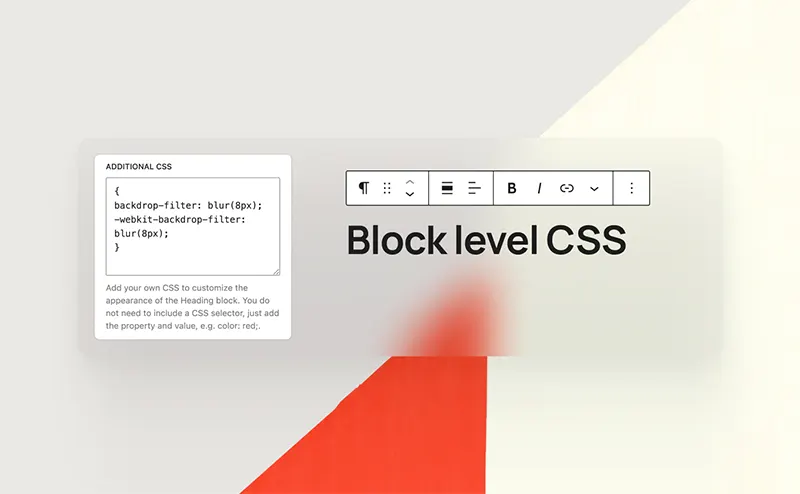
Patterns themselves function more flexibly as cohesive units that can be inserted, detached, and modified individually. Custom CSS can also be applied directly at the block level within the editor, giving designers more immediate control over details.
On the development side, WordPress 7.0 introduces tools aimed at speeding up and simplifying building processes.
Blocks and patterns can now be created server-side using only PHP, with automatic registration through the block API. The Site Editor benefits from improved extensibility, including better routing support and a new boot package that allows plugins to construct custom pages within the editor environment. These changes, combined with various API enhancements and performance improvements, provide developers with a more capable foundation for extensions and custom solutions.
The release also raises the minimum PHP requirement, dropping support for older versions to encourage more secure and efficient hosting environments.
More than 875 contributors from countries around the world participated in bringing WordPress 7.0 to completion, among them over 200 first-time contributors.
Their combined efforts resulted in roughly 420 enhancements and bug fixes. Matias Ventura served as release lead, supported by a coordinated team handling release coordination, technical leadership, triage, and testing. The collaborative nature of the project remains central to its ongoing development as open-source software.
Sites running earlier versions can update through the standard process in the dashboard when administrators determine the timing is appropriate, ideally after testing in a staging environment to ensure compatibility with existing themes and plugins.






















































































































































































































































































