The stable release of Android 17 occurred, and this can be a game changer.
This version arrived after several months of public beta testing that began in February. Distribution started through over the air updates for Google Pixel devices from the sixth generation onward including phones tablets and foldable models. Several new functions address common tasks during daily use. Any application can now appear as a compact floating window that remains visible above other content.
The window supports continued interaction without the need to switch back to a full screen view.
Screen recording includes a toolbar that handles simultaneous capture.
The tool records activity on the display while also recording video from the front camera.
This combination allows direct creation of videos that show both on screen content and user reactions in one process.
Android 17 is here New features include:
Bubbles, which allows you to turn any app into a compact, floating window so you can stay in the flow
Screen Reactions, so you can record yourself using your device’s selfie camera and capture your phone screen at the same time… pic.twitter.com/9ECosW1hJr— Google (@Google) June 16, 2026
Foldable devices receive a dedicated gaming mode.
When enabled the mode rearranges the interface to make use of the full screen area available once the device is unfolded. The adjustment supports clearer visibility of game elements and controls.
According to Google in a blog post, the feature optimizes foldables to a 50/50 layout when playing a game, with the top for the game view, and the bottom part for a dynamic gamepad.

Security measures include the option to lock a device if it has been lost or stolen through linked account features.
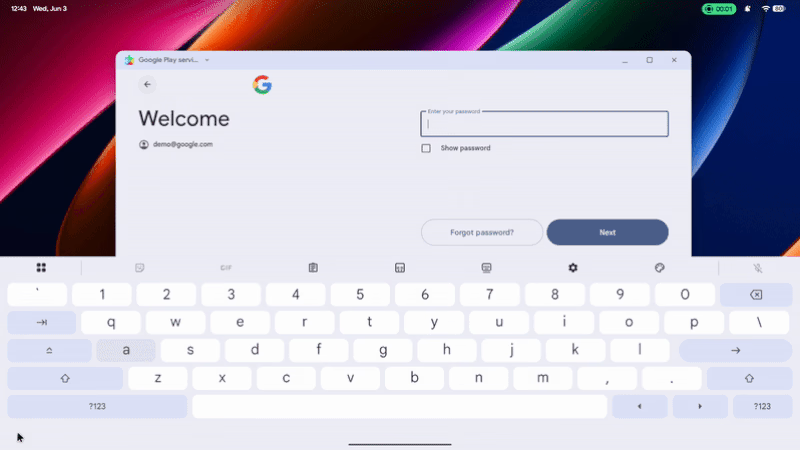
Then, there is also a tweak when using physical keyboard, where Android 17 no longer shows the last typed character by default, when entering their passwords, PINs, and other secrets.
Controls over application access to stored data have been expanded.
Privacy tools now allow temporary grants of precise location access that end automatically when the requesting application closes.
Not to mention and Android 17 is also ready for the next generation of cryptographic security, where supported devices can generate ML-DSA (Module-Lattice-Based Digital Signature Algorithm) keys in secure hardware to produce quantum-safe signatures, exposed via standard JCA APIs. And with Hybrid APK Signing, Android 17 also introducing the v3.2 APK Signature Scheme, which combines classical signatures with ML-DSA signatures to secure app delivery.
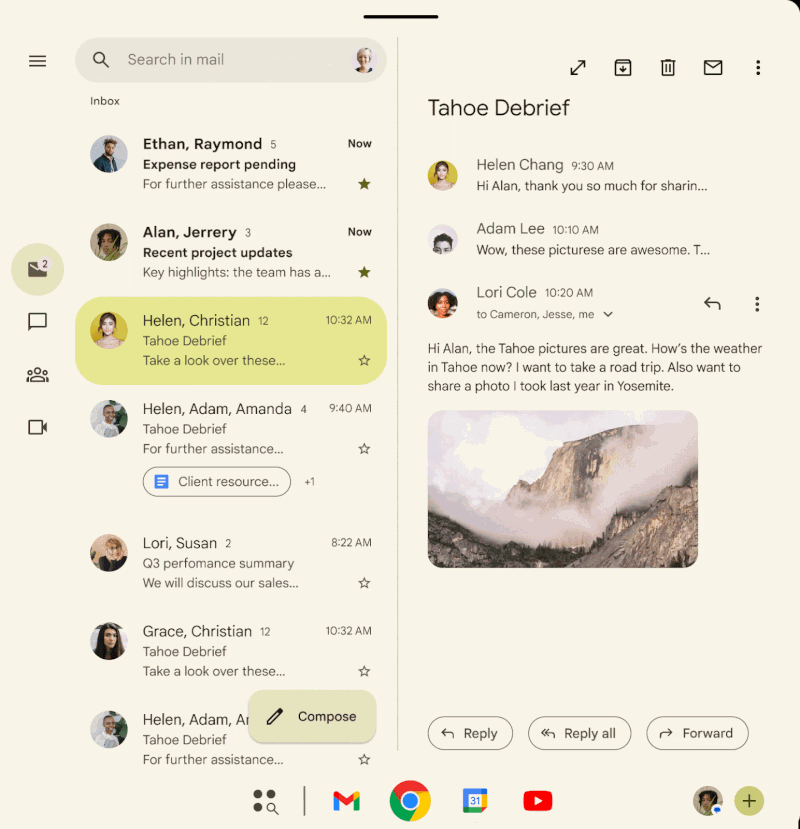
Memory management for active applications has been refined.
The system allocates resources in a way that supports steadier performance during operation.
This is possible since Android 17 has a significantly improved memory management through enhancements to ART's Concurrent Mark-Compact (CMC) garbage collector. The update adds more frequent, lightweight young-generation collections, allowing the system to reclaim short-lived objects separately from long-lived data.
By avoiding repeated full-heap scans, this generational approach reduces CPU overhead, lowers power consumption, and minimizes UI stutter, resulting in smoother overall performance. Under typical usage conditions, the change can also contribute to longer battery life.
Efficient memory management plays a critical role in maintaining system responsiveness.
When foreground apps or services consume excessive memory, the resulting management overhead increases CPU usage and battery drain. This can force the system to terminate well-behaved cached apps and background processes, leading to slower cold starts and reduced multitasking performance.
To address this issue, Android 17 will enforce stricter memory limits based on a device's available RAM. Applications that exceed their allocated thresholds may be terminated immediately, helping preserve system stability and ensure a more consistent user experience.
Over the course of its development the Android platform has progressed through many major versions since the first commercial release in 2008.
Early versions concentrated on basic smartphone capabilities such as browsing messaging camera functions and access to applications through an online store. Later releases added on screen keyboards widget support and improved multitasking along with changes to how notifications appear and function.
Midway through its history the platform introduced a unified design approach across phones and tablets.
This period also brought a consistent visual style along with enhancements to notifications and system animations. Subsequent generations placed increasing focus on user controls including permission management background process limits and rules for how applications access stored files.
Performance and security updates have formed a steady part of the platform's growth.
Changes to the runtime environment reduced demands on device resources while regular security patches addressed issues across a wide range of hardware.
Delivery of updates became more reliable through platform adjustments that separated certain fixes and features from full system upgrades.

More recent versions have added support for new hardware designs such as foldable screens and have incorporated tools that assist with routine tasks.
Android 17 continues this development by providing specific functions for multitasking media capture gaming on adaptable screens and management of device access and resources.
These elements extend the direction established in earlier releases.The update continues to reach additional devices in stages.
Pixel hardware received it first while phones and tablets from other manufacturers are expected to obtain the software over the coming weeks and months according to each company's schedule.






















































































































































































































































































