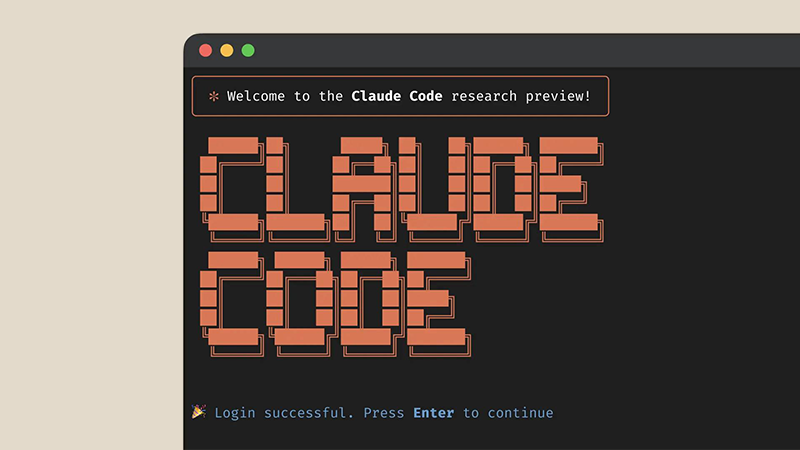
Anthropic has quietly rolled out one of the most practical upgrades yet to Claude Code.
And that is by introducing 'Remote Control,' a feature that lets developers keep their local coding sessions alive and accessible from virtually any device. This addition bridges the gap between sitting at your desk and stepping away without losing momentum on complex tasks. Instead of being chained to your Mac, Linux machine, or Windows setup, users can now start a heavy process in the terminal.
Just like debugging an Xcode project, managing a web app, or running automated scripts, and then pick it right back up from your iPhone, iPad, Android phone, tablet, or even another browser window.
The beauty of Remote Control lies in how it keeps everything running locally on users' own hardware.
Unlike the standard Claude Code experience on the web or in the app, which spins up sandboxed cloud environments, this mode ensures your filesystem, environment variables, dependencies, Model Context Protocol servers (MCP), and project-specific configurations stay right where they belong: on users' machine.
Nothing sensitive gets uploaded to the cloud; the mobile or web interface simply acts as a secure window into the ongoing local session.
New in Claude Code: Remote Control.
Kick off a task in your terminal and pick it up from your phone while you take a walk or join a meeting.
Claude keeps running on your machine, and you can control the session from the Claude app or https://t.co/er6Blrr63e pic.twitter.com/FxUVDecyVJ— Claude (@claudeai) February 24, 2026
Users can get started by updating to the latest Claude version and running a simple command like claude remote-control or the slash command /rc in the terminal, which generates a QR code.
Scan that with the Claude app, and users will connect instantly.
They are then able to monitor progress, issue new prompts, approve changes, or tweak directions while they're out walking the dog, in a meeting, or grabbing coffee.
Early hands-on reports highlight just how seamless this feels in practice.
Users have described switching between multiple active sessions across different Macs, one for Xcode work on a Mac Studio, another for web development on a Mac mini, all from an iPad or iPhone without any clunky setups like SSH tunneling, Tailscale, tmux, or custom bridges.
At this time, it's rolling out as a research preview exclusively for Claude Max subscribers, with Pro users expected to gain access soon, and it's not yet available on Team or Enterprise plans.
Announcing a new Claude Code feature: Remote Control. It's rolling out now to Max users in research preview. Try it with /remote-control
Start local sessions from the terminal, then continue them from your phone. Take a walk, see the sun, walk your dog without losing your flow. pic.twitter.com/43c4RJCiOS— Noah Zweben (@noahzweben) February 24, 2026
What makes this release particularly exciting is the shift it enables in workflow.
Developers can maintain that elusive flow state even when life pulls them away from their primary workstation. Imagine queuing up a long build or data processing job at home, then checking in from their phone during a commute or downtime, nudging Claude to refine a diff, prepare a pull request, or summarize results.
This is a far cry from traditional remote desktop tools that drain batteries or expose ports.

Here, users' machine polls Anthropic's API securely for instructions, with only chat messages and tool outputs flowing through an encrypted bridge.
Of course, as with any research preview, there are a few rough edges.
Some users have noted occasional bugs, like sessions not persisting reliably in the app's list on certain setups, but Anthropic appears responsive to feedback through their GitHub issues. Security-conscious folks have pointed out the obvious: since this grants remote shell-like access via a Claude account, strong MFA, least-privilege practices, and monitoring become even more important to avoid turning a compromised session into broader machine access.
Overall, Remote Control feels like the kind of thoughtful evolution that turns Claude Code from a powerful but stationary tool into a true anytime, anywhere collaborator.
For solo developers juggling multiple projects or power users who hate interruptions, it's already proving transformative. As more people test it out and Pro access opens up, expect this to become a staple for anyone serious about AI-assisted coding.
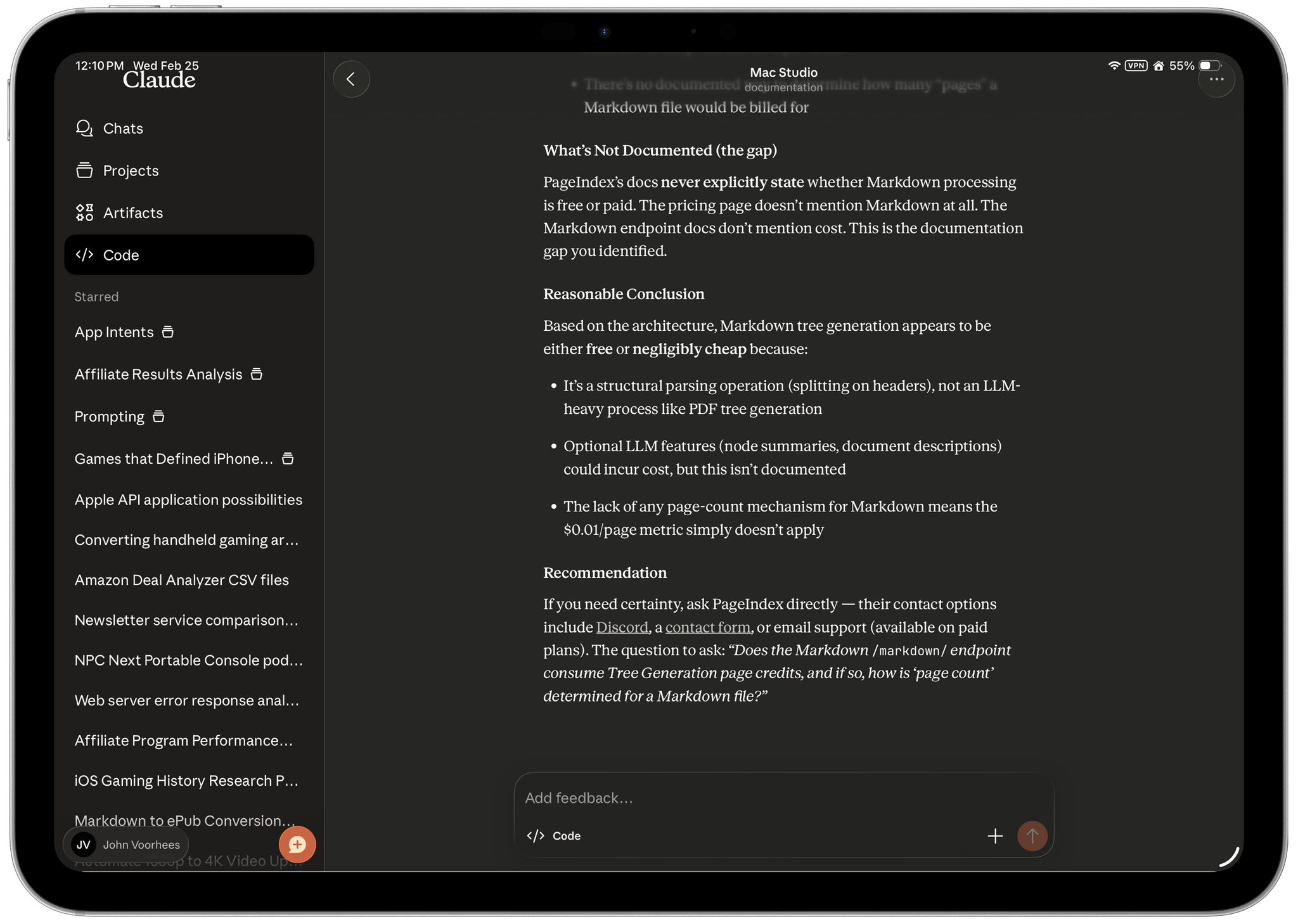
Anthropic's latest push with Claude Code Remote Control has ignited fresh debates across developer communities about its place alongside the once-viral OpenClaw.
Remote Control delivers exactly what many hoped for when OpenClaw first exploded in popularity earlier this year: the ability to launch a coding session in your terminal, step away from your desk, and seamlessly continue directing Claude from your phone, tablet, or any browser.
But there are differences.
Remote Control is now available in Research Preview for Max users, and coming soon to Pro users.
Run `claude rc` to get started.
Docs: https://t.co/mdW9AaC0zM— Claude (@claudeai) February 24, 2026
For example, Remote Control users start with a simple command in the Claude app, and suddenly their local machine (complete with its filesystem, dependencies, builds, and project configs) becomes accessible remotely without ever exposing ports or uploading sensitive data to the cloud. The mobile or web interface functions purely as a secure viewer and controller, polling encrypted updates and reconnecting automatically after brief drops, all while keeping execution firmly local.
OpenClaw on the hand, is a contrast to this. OpenClaw is a broader, more ambitious design, as it is designed to be an always-on personal AI agent. OpenClaw runs as a persistent local gateway, integrating with messaging platforms like WhatsApp, Telegram, Discord, or Slack so users can text commands for everything from code changes to email handling, calendar tweaks, browser automation, file ops, and shell execution through extensible community skills. It maintains long-term memory in disk-based Markdown files, supports proactive scheduling via heartbeats and cron-like jobs, and works across multiple models.
Its heavy reliance on Claude APIs hit roadblocks after Anthropic's tightened restrictions on third-party harnesses using subscription tokens.
For pure coding workflows, Remote Control often feels like the cleaner, more professional choice. But in the playing field, OpenClaw retains a clear edge in versatility and generality.




















































































































































































































































































