The thing about privacy-focused messaging systems is having privacy as the utmost importance.
Signal is a messaging apps popular among privacy-concerned individuals. To preserve its users' privacy, and since messages are end-to-end encrypted, Signal ties its users data with their phone number. This way, in case users change their phones, they can log back in to their account, without losing all of their existing chats, groups, and messages.
But Signal didn't allow users to change their phone number, until now.
To do this, users must first add a new number, to then select the 'Change Phone Number' option under Signal’s updated account settings, where users are asked to enter both their old and new numbers.
Lastly, Signal will guide users through the usual registration process for setting up a phone number with one of its accounts.
Once done, all of the users' contacts will be notified.
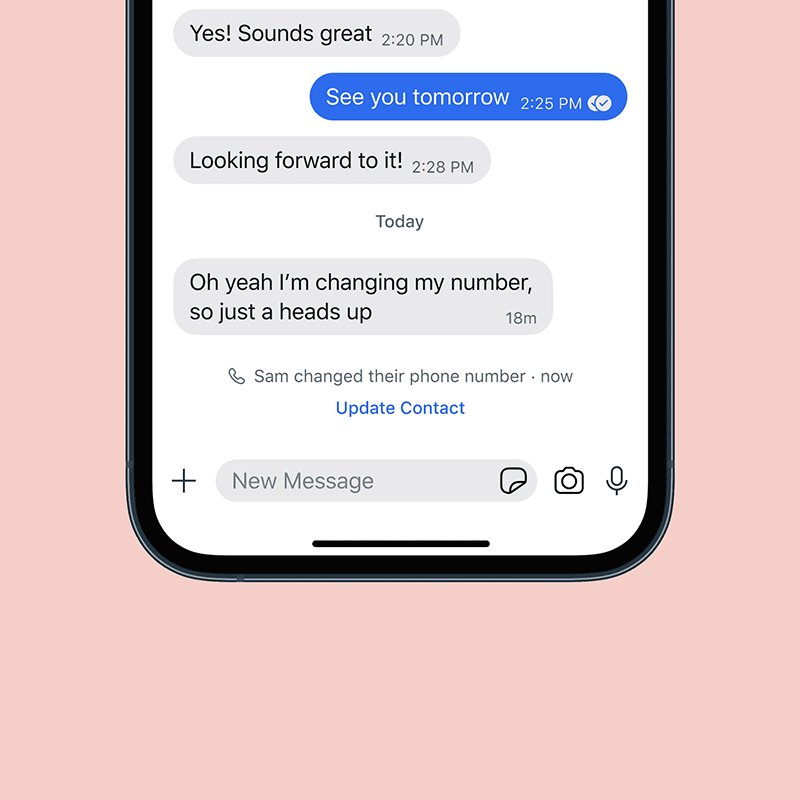
Signal will send them a new message inline in the conversation thread to tell them that a contact has changed their phone number, along with a helpful link to update your contact card accordingly.
The new feature is intended for users who are keeping their current phone but getting a new phone number, as Signal explained in its blog post:
[...]
"If you’re keeping your existing phone, but getting a new number, the Change Number feature will let you keep your profile and all of your existing messages and groups on your device, while making you reachable at your new phone number."
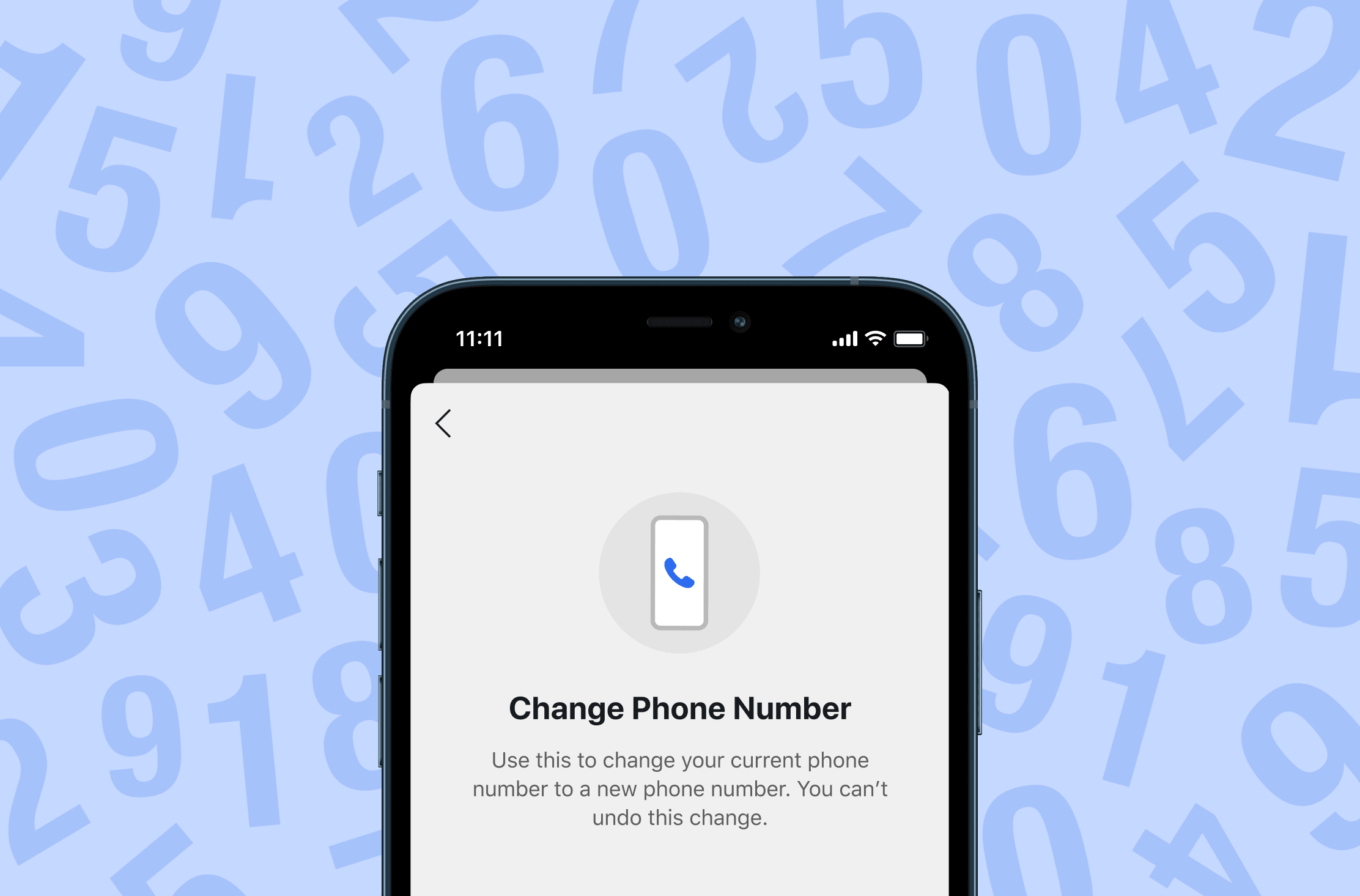
It’s worth mentioning that Change Number is only for users who wish to send and receive Signal messages on the phone with their old number, and those who want to keep the same phone and changing the number.
Signal is also making it clear that the feature is not for users who can not send and receive Signal messages on the phone with their old number, not for those who do not have their old device or lost their phone, or those who have cleared their phone.
It's also worth noting that if someone else registers on Signal with other users' old phone number, they won’t have access to their message history.
"If someone registers with your old number on their phone, then they will have an empty message history. Your contacts will also be made aware of a safety number change if they start messaging with the old number," said Signal.
If a Signal user does not have access to the old number, Signal suggests the old process of deleting the account to wipe message history, registering a new account with the new number, and messaging contacts to tell them about the new number. When someone registers will the old number, the message history should be blank, Signal explained.
The company said that the feature was built "using the foundation of more exciting features to come".
As detailed by the company in a Support Article page, the Change Number option requires Signal version 5.27.1 on iOS or version 5.30.6 on Android.






















































































































































































































































































