Browser tools have shifted over the past few years from simple page helpers to systems that can observe and act on what sits in front of the user.
Many people already keep multiple tabs open for research, admin work, invoices, or internal dashboards, switching between them while also checking email or calendars. The friction of copying details from one place to another, or restarting a line of thought when moving to a different device, has become a familiar part of daily digital work.
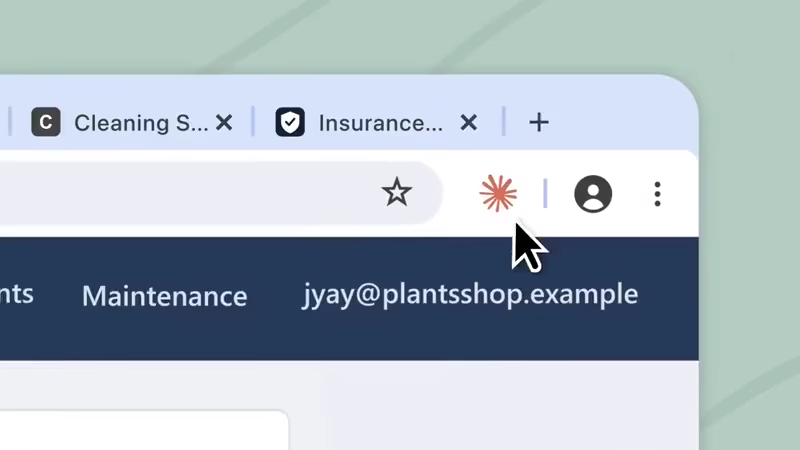
Anthropic's 'Claude in Chrome' extension has operated as a side-panel companion that can read the current page, follow links, type text, fill forms, and move between pages while using the same logins already active in the browser.
It can work across tabs grouped together, extracting information or performing sequences of steps without the user having to switch contexts constantly.
The extension has been available in beta to paid subscribers and has also connected with Claude Code for developers who want to test or debug directly in a live browser session that shares the user’s existing authentication state.
A recent change brings the side panel into closer alignment with the rest of the Claude product line.
Sessions that begin in the Chrome panel now run as full Claude Cowork sessions.
Conversations are saved to the user’s history rather than remaining local to the browser. Skills and connectors already configured on the account become available inside the panel.
A task started while looking at a set of vendor portals or analytics pages can be continued later on the desktop app, the web interface, or mobile without losing the accumulated context.
The panel itself defaults to an automatic-approval mode that lets Claude proceed through routine steps while still pausing for review before more consequential actions such as form submissions, downloads, or anything involving personal data or purchases.
This continuity means the browser no longer sits as an isolated surface.
Research gathered from sites that lack direct API connections can feed into spreadsheet creation, comparison documents, or other outputs that Cowork is designed to produce.
Users on Max and Team plans received the updated side panel first; Pro subscribers are receiving it over the following weeks. On Enterprise plans the feature remains off by default until an administrator enables it and optionally restricts access through allowlists or blocklists.
The underlying risks of any tool that acts inside a browser remain present.
Instructions hidden in page content, emails, or documents can attempt to redirect the agent’s behavior, a class of attack known as prompt injection.
Anthropic has added classifiers and layered checks that examine proposed actions, and internal testing has reduced successful attack rates under controlled conditions, yet the company notes that the defenses are not absolute.
Official guidance advises beginning with trusted sites, avoiding banking, health, or other sensitive accounts, considering a separate browser profile for the extension, and switching to manual approval when working on unfamiliar material.
Unexpected requests or deviations from the assigned task are signals to pause the session and review what has occurred.
Installation follows the usual Chrome Web Store path: add the extension, sign in with a Claude account, and open the side panel. Once active, the same account-level session state travels with the user across devices.
The result is a practical bridge between the live web pages a person already has open and the longer, multi-step work that can continue elsewhere.
Taken together, the update makes Claude in Chrome less of a browser assistant and more of an entry point into Claude’s broader workflow.
The ability to carry browser-based research, actions, and context into Cowork and continue them across devices removes another layer of friction from tasks that once required constant switching between tools.
At the same time, the feature underscores a larger shift in how AI assistants interact with the web: not simply reading what users see, but increasingly acting on their behalf. That makes continuity more useful, but it also makes careful permissions, approval controls, and awareness of prompt-injection risks increasingly important as browser agents become more capable.

















































































































































































































































































