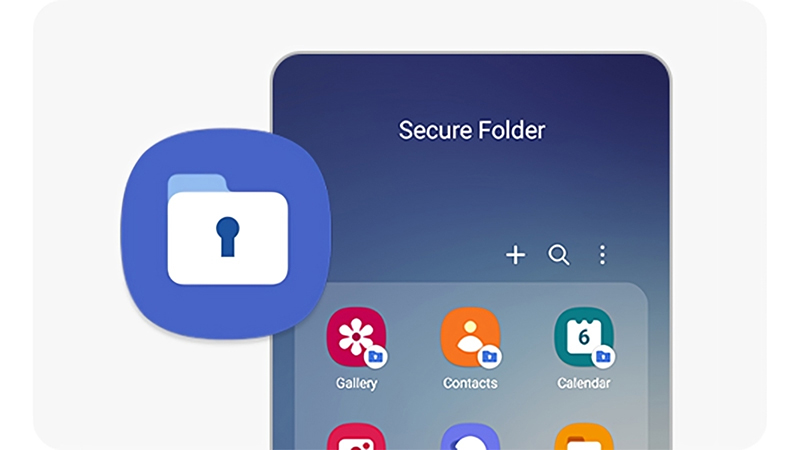
In the age of constant connectivity and ever-growing privacy concerns, Samsung's 'Secure Folder' stands out as a quiet guardian for your most personal content.
Built into many Samsung Galaxy smartphones, this feature creates a protected, encrypted space where users can safely store apps, files, photos, contacts, and more—completely isolated from the rest of the device. It’s powered by Samsung Knox, the company’s defense-grade security platform that ensures even the most sensitive data stays away from prying eyes.
Secure Folder functions as more than just a hidden space—it offers a fully separate environment within users' phone.
Users can then lock their Secure Folder using a PIN, password, pattern, fingerprint, or facial recognition. Anything stored inside is protected by Samsung’s encryption and remains invisible to anyone accessing the main part of the device. Apps and files in the Secure Folder don’t appear in the app drawer or gallery, making it nearly impossible for others to stumble upon the hidden treasures unless they know exactly where—and how—to look.
Users are even given full control over the folder’s visibility, like having the ability to hide the Secure Folder icon entirely, letting it blend into the background like a secret chamber. This makes it ideal for those who want privacy without drawing attention to the fact they’re protecting something.
And this time, it's getting an update.
Through its One UI 8 beta, Samsung is "kicking off a new era of software intelligence" by introducing a bunch of new things. Among them, is a way to hide the Secure Folder altogether.
In other words, even those who know where to look, may not be able to even find it.
During the time when Google Pixel devices are already embracing Android 16, the pressure is on for Samsung to prove that it's no longer trailing behind.
With UI 8, Samsung makes its smartphones more restrained, and more focused on updates compared to the sweeping changes introduced in One UI 7. As reported by Android Police, the ability to hide Secure Folder is like "a kill switch for your private digital life."
Here, Samsung has introduced a new Quick Settings toggle that hides Secure Folder—along with all apps and notifications inside it—at the flick of a switch.
When enabled, not only does the Secure Folder icon vanish, but its apps stop functioning and their data becomes encrypted and inaccessible until manually reactivated.
No alerts. No traces. Just gone.
This kind of native OS-level control is exactly what users have been waiting for—particularly those who share their phones with children, friends, or partners.
No more worrying about curious fingers tapping into apps or stumbling across a revealing notification while you’re handing your device over to show a photo or stream a video.

And to even protect privacy even more, with One UI 8, users must now re-register their biometric credentials, specifically for Secure Folder.
What this means, if ever users' phone is unlocked by someone else’s fingerprint—say, your child’s or spouse’s—they still won’t be able to access the Secure Folder.
In other words, not only that Secure Folder lives in a separate environment, but it's also living inside its own fortified zone, with its own biometric authentication.
Long story short, whereas the main lock screen is still the first layer of defense, Samsung’s update to Secure Folder elevates protection by offering a discrete, encrypted space that can even be cloaked from view.
The thing is, that "kill switch" is front and center, and Samsung is placing it by default within reach in Quick Settings.
The good thing is that, the toggle location eliminates the need to dig through menus just to hide the Secure Folder but at the same time, it also provides anyone with access the knowledge to "think where to look."






















































































































































































































































































