
Google AdWords introduced offline conversion importing since 2013. With it, advertisers can set up their own offline conversion events.
In a Google+ post on May 17th, 2017, Google said that advertisers can start scheduling imports of offline conversion on a regular basis (daily or weekly). Once it's set up in AdWords, they can upload a file or link, or send the data through AdWords' API.
To take advantage of the this scheduling capability, advertisers using imported conversions will need to use Google Sheets or link to a file over HTTPS or SFTP.
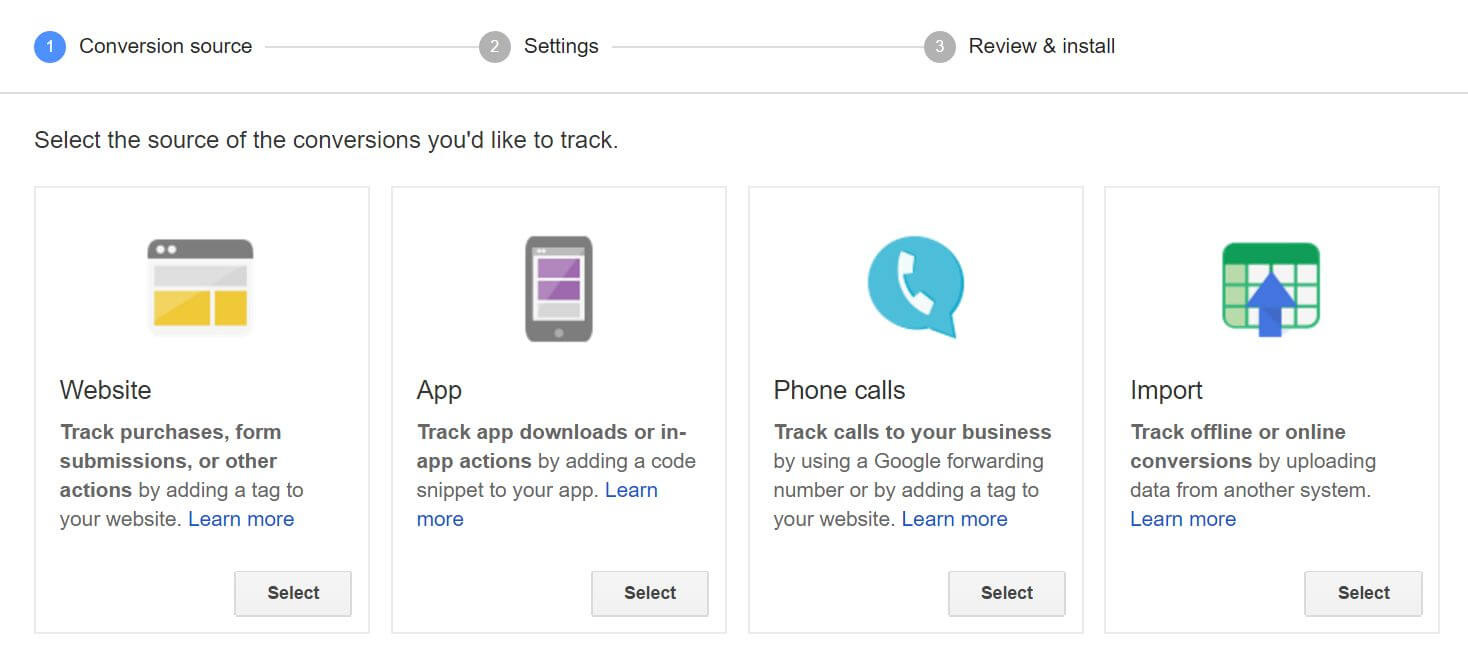
Advertisers can go to Tools > Conversions, and then click Uploads from the menu on the left and follow the steps given. It takes about three hours for imported conversions statistics to show up in advertisers' AdWords account. When they do, they'll appear in their conversions columns.
"You can schedule these uploads to save time and reduce errors. AdWords will automatically upload offline conversions from clicks and calls into individual or manager accounts on a daily or weekly basis."
And if there’s a problem with their scheduled upload, advertisers will see an alert in their account and receive an email.
Google recommends advertisers to use the 'Upload and preview' to make sure that everything is working properly before their conversions are automatically uploaded as scheduled.




















































































































































































































































































