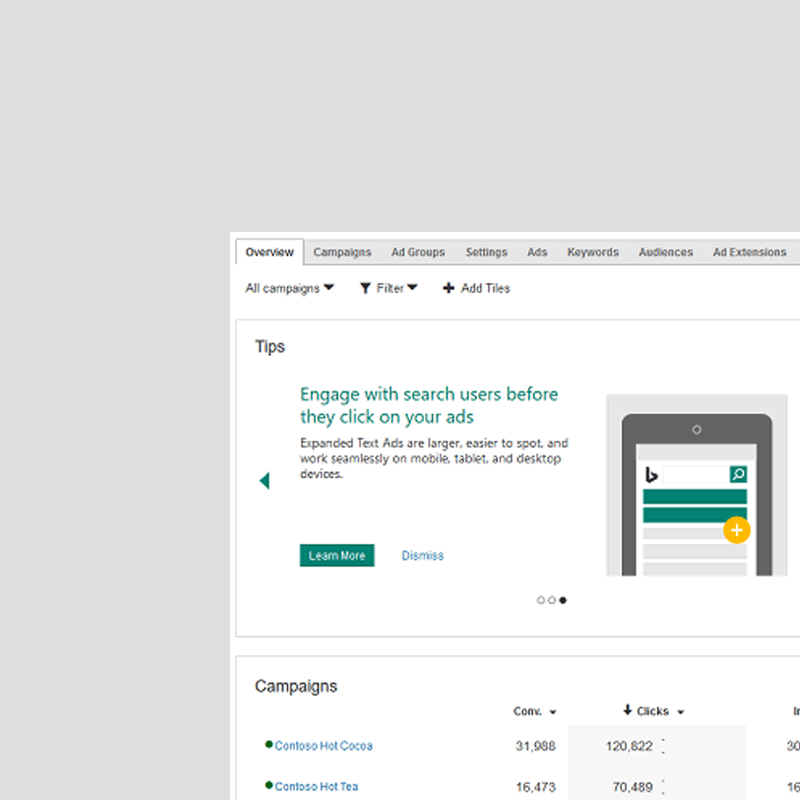
Bing rolls out an Overview tab to advertisers' Bing Ads accounts.
Advertisers can find the Overview tab on top of the current Campaigns page. Within this tab, they can create helpful visualizations that summarize the metrics and performance that are most important to them.
In addition to performance summaries and performance metrics for each campaign, Bing Ads is also adding a tips tile that can highlight a small set of features that are either new releases or other ones that they may not have tried out yet but may relate to their business.
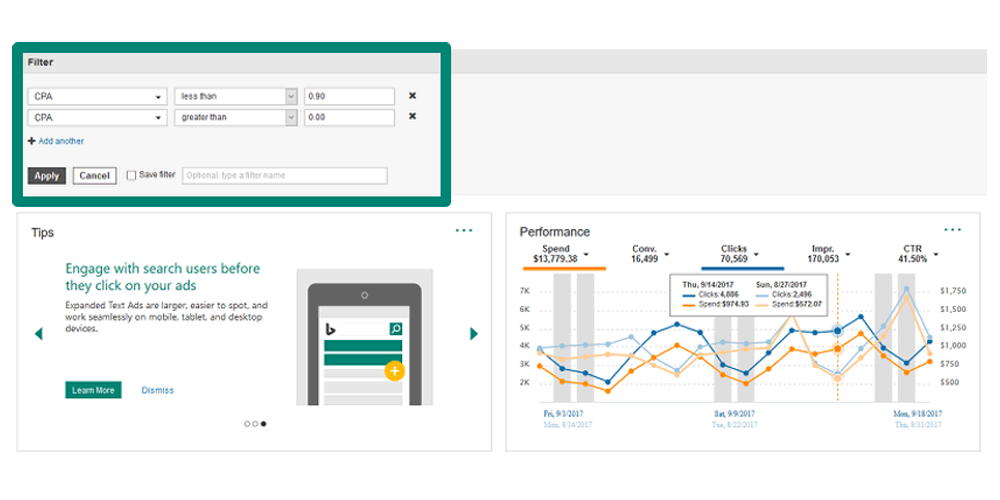
Advertisers can also set range or apply period-over-period comparisons, and they can also add custom filters.
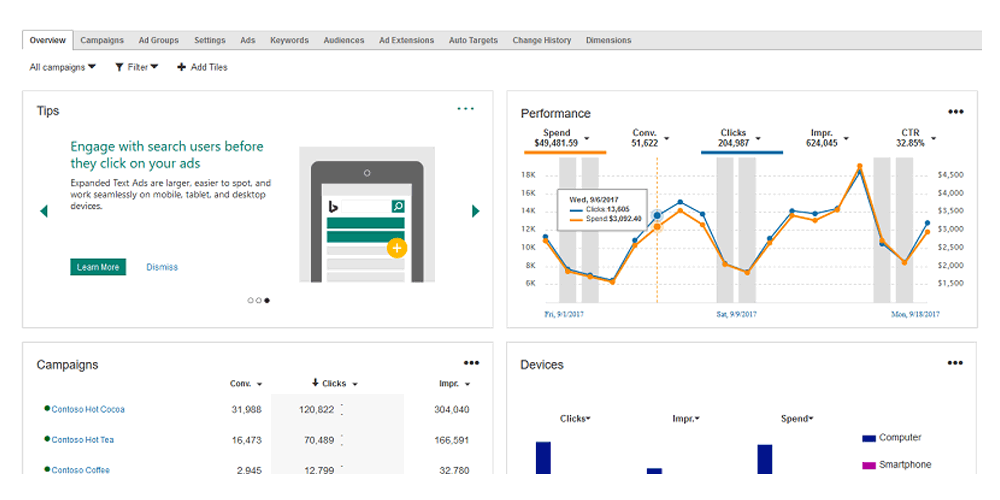
From a design and layout perspective, the Overview tab resembles the overview pages available in the new AdWords UI where individual tiles feature data in charts and tables.
Users can also move tiles around by dragging and dropping. What's more, campaign and metrics filtering can be applied to the entire Overview page.
Not to be confused with the Home page in the top navigation of the Bing Ads UI as this feature provides a high-level view of account performance with more customization opportunities than the Home page.
For example, users can add or remove tiles by clicking the 'Add tiles' button and selecting or unselecting the tiles you want.
They can also hide any existing tiles by clicking the ellipse at the top right of a tile, and selecting the 'Hide tile' option. Users can customize each tile individually, making it either small or large in size.
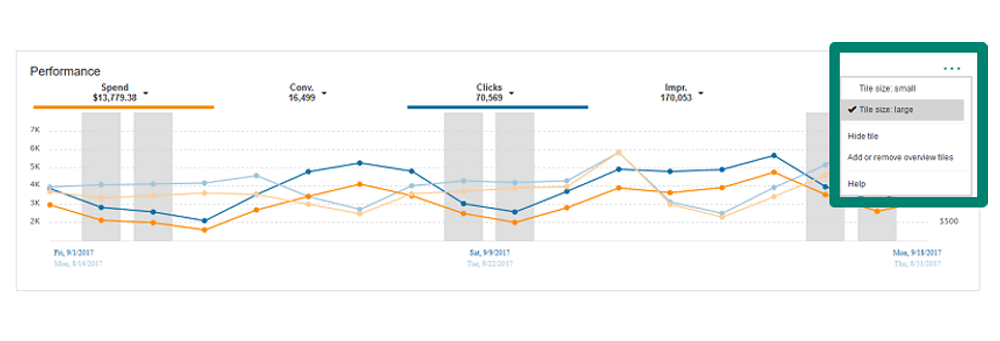
"Another way to customize your tab is by clicking and dragging the top of any tile to move it into a different part of your Overview tab," explained Bing on its blog post.
Bing is rolling out the feature gradually to all users around the globe.

















































































































































































































































































