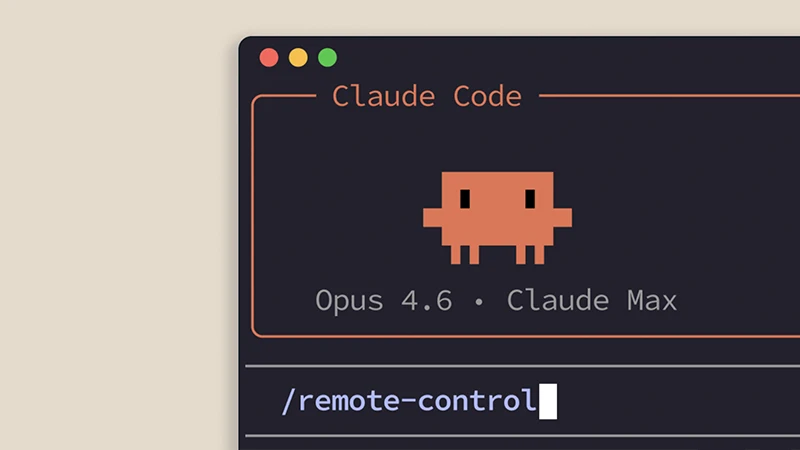
Developers have long balanced the need for powerful local tools against the reality of moving between desks, meetings, and other spaces. Coding sessions that stay locked to a single terminal or IDE can interrupt momentum once someone steps away, even briefly.
AI assisted environments have begun addressing that tension by letting work continue across devices while the actual computation and file access remain on the original machine.
Claude Code introduced Remote Control earlier in 2026 as one approach to this.
A session starts on a local machine through the command line or VS Code. The process stays running there, with full access to the filesystem, project configuration, MCP servers, and tools.
Other devices then connect through claude.ai/code or the Claude mobile apps for iOS and Android, acting as windows onto that same live session. Communication travels over outbound HTTPS only, with no inbound ports opened on the machine. Transcripts are stored on Anthropic servers to support reconnection and cross device views, subject to the platform data policies.
User feedback in the preceding month identified reliability as the highest priority area for improvement.
The ClaudeDevs team responded with a set of changes released around 21 August 2026.
Machines that are already running the claude remote-control command now appear as device cards at the top of the Code tab in the mobile app. From the phone a user can select one of those machines, choose a directory, and start a new session that executes on the selected machine.
Synchronization between the phone and the local process has tightened.
Resuming a session on a laptop keeps the phone attached to the live session rather than archiving it.
When the local Claude Code process exits, the phone reflects the offline state within seconds instead of retaining a stale entry. Brief interruptions such as closing a laptop lid or switching WiFi networks trigger automatic reconnection.
Model selection and effort level remain consistent between the phone interface and the CLI. Larger sessions load more quickly on iOS. Several slash commands also behave more predictably from the phone: /clear resets the view, /compact displays a compaction marker, and /diff opens the native diff sheet.
The feature continues to require a Pro, Max, Team, or Enterprise subscription. API key authentication is not supported.
On Team and Enterprise plans an organization owner must enable the setting in the Claude Code admin console.
The local process must remain active for the remote connection to stay available. Server mode supports multiple concurrent sessions, while interactive mode is limited to one remote connection per process.
Trusted Devices, available as a beta for Team and Enterprise, adds device enrollment and periodic biometric confirmation.
Further refinements are indicated as still in progress.
Official documentation covers setup commands, configuration options, security details, and troubleshooting steps. Users are advised to keep the CLI, desktop app, and mobile apps on the latest versions with automatic updates enabled.
The changes do not fundamentally alter what Remote Control is designed to do.
Instead, they make the connection between a developer's local environment and a remote interface more dependable. The machine remains the place where the actual work happens, while the phone or browser becomes a practical way to monitor, steer, and resume that work without being tied to the desk.
That distinction is important for developers who increasingly move between different devices during the day.
A coding session can continue running on a workstation while its owner steps away, checks progress from a phone, or picks up the same session from another computer. As long as the local process remains available, the work does not have to stop simply because the developer is no longer sitting in front of the original screen.
For Claude Code, the latest changes suggest that Remote Control is moving beyond an experimental convenience toward a more dependable part of the development workflow.
Reliability, reconnection, and clearer device state may sound like small improvements, but they determine whether a remote development feature feels useful in practice.






















































































































































































































































































