One may have the fastest PC in the world, but time and usage will make a difference. One day, that difference can be noticeable, if not a pain to deal with.
Putting aside hardware limitations, like wear and tear, PCs will slow down on the software side due to software accumulation and bloat, the increasing demands of software, storage and memory overload, malware and unwanted apps, and some other reasons.
Because of this, PC owners have to remain proactive.
They have to continuously monitor the health of their computer system by doing regular maintenance, like restarting the PC often, clean dust when they accumulate, and do things like uninstall apps they longer need, as part of their house cleaning routine.
This has long been a balancing act, and not a straightforward thing to do, if one wishes to do it manually.
This is why for most of the time, Windows users have to rely on third party solutions, which could automate these things in just one of a few clicks.
Now, Microsoft offers its own offer.

Microsoft calls it the 'PC Manager.'
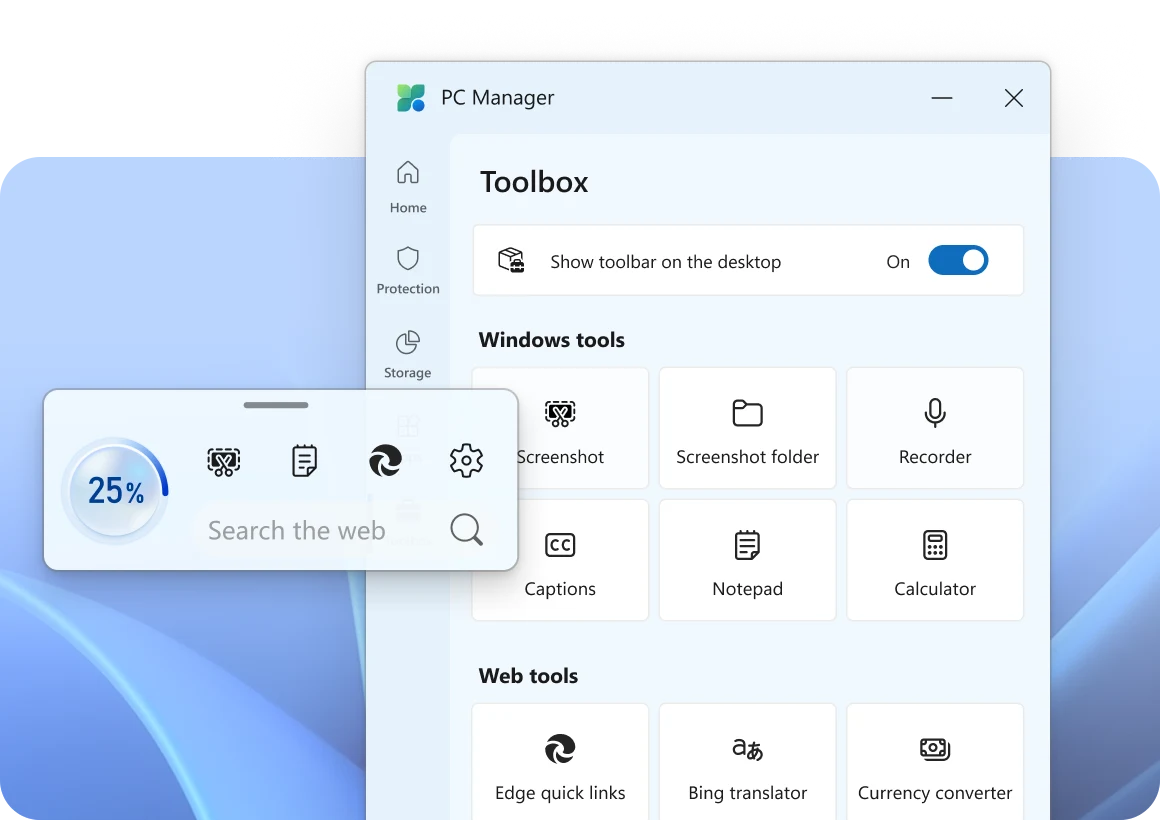
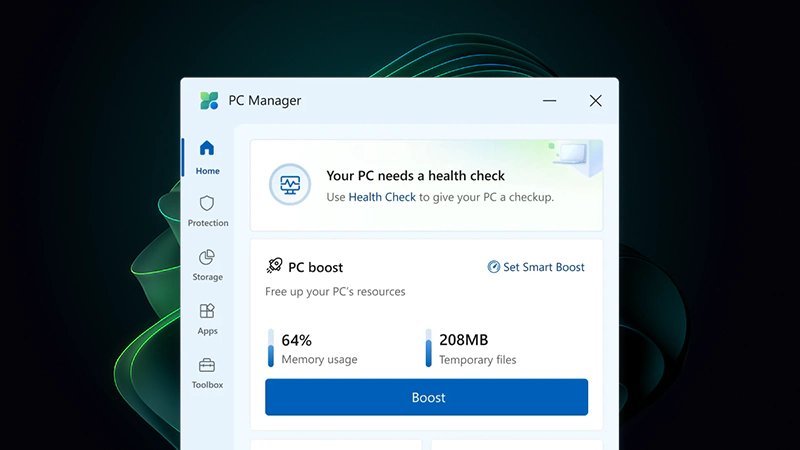
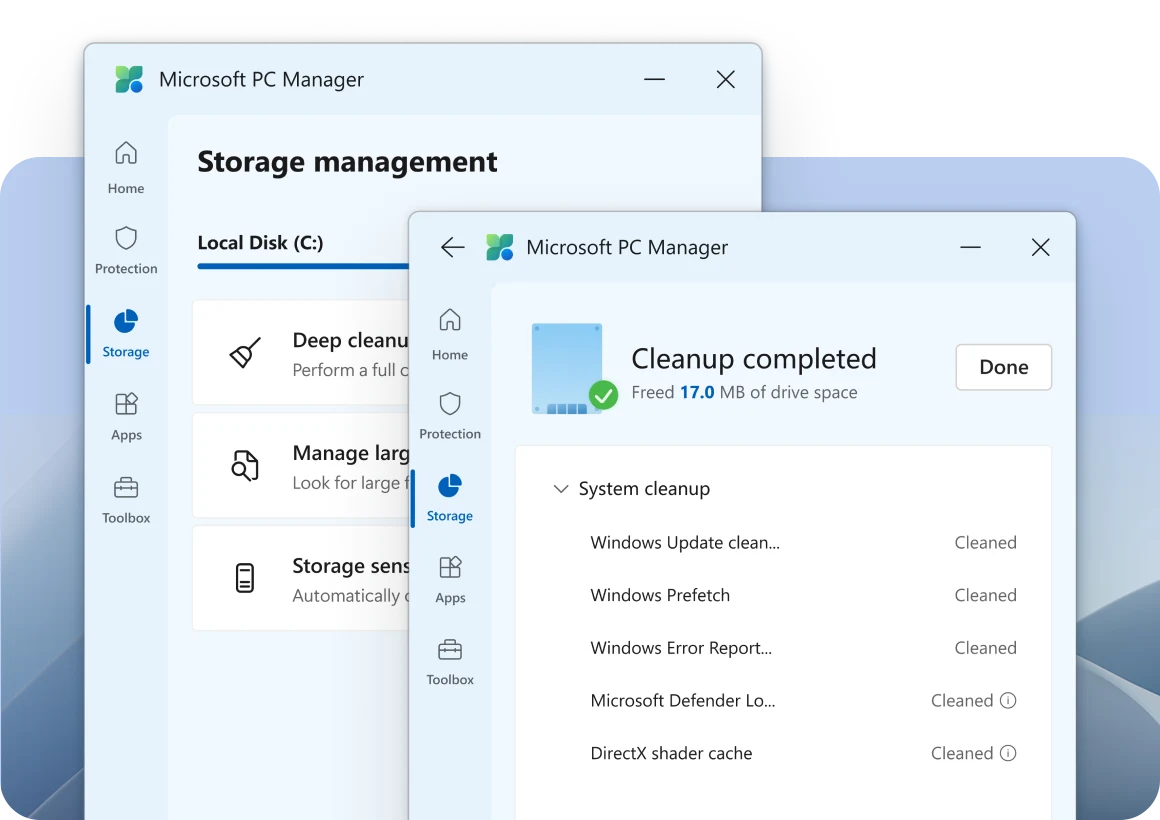
Just like third party apps, PC Manager is essentially an utility app that allows users to clear out digital clutter and improve performance.
It's free, and it's designed to give Windows users a seamless way to keep their systems optimized.
PC users who own a Windows machine as their daily driver have all been there: a once-speedy computer starts to run sluggish, and apps often lag, if not taking forever to load.
Startup that was once a breeze, now is stretching to a span of time that is only slightly shorter than an eternity.
While Microsoft has offered robust malware protection with Defender, there hasn’t been a built-in way to handle general maintenance—until now.
PC Manager is a system-cleaning tool designed to give users better control over their devices.
By integrating directly with Windows 10 and 11, this tool promises a smoother experience with fewer headaches.
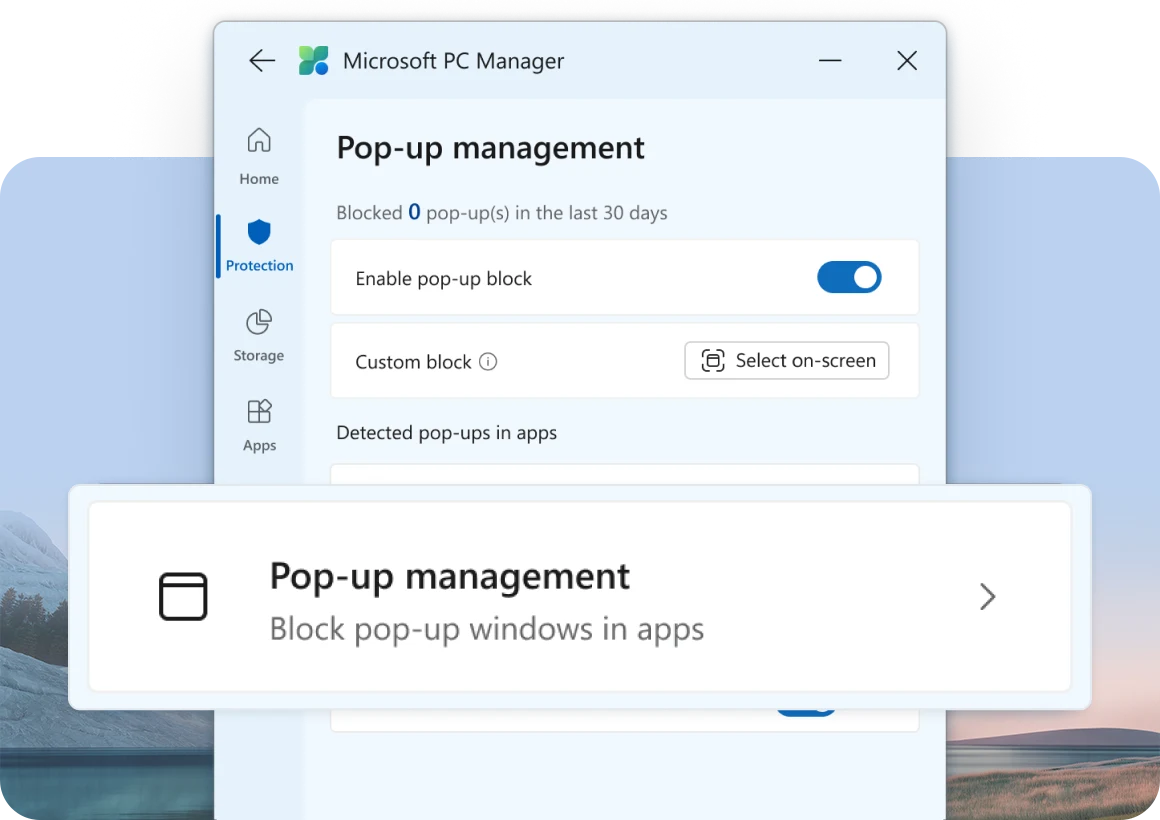
For years, Windows users have been relying on third-parties, like CCleaner, which have been the go-to solution for many users who wish to declutter and optimize their PCs..
But with Microsoft offering a native alternative, it’s easier than ever to handle maintenance tasks within the same ecosystem.
After initially testing the waters with PC Manager in the Chinese market, Microsoft has officially rolled out the tool for a global audience. Available for free for Windows 10 and Windows 11, it’s a direct competitor to CCleaner and a number of other long-standing third-party options.
Early adopters are already singing its praises.
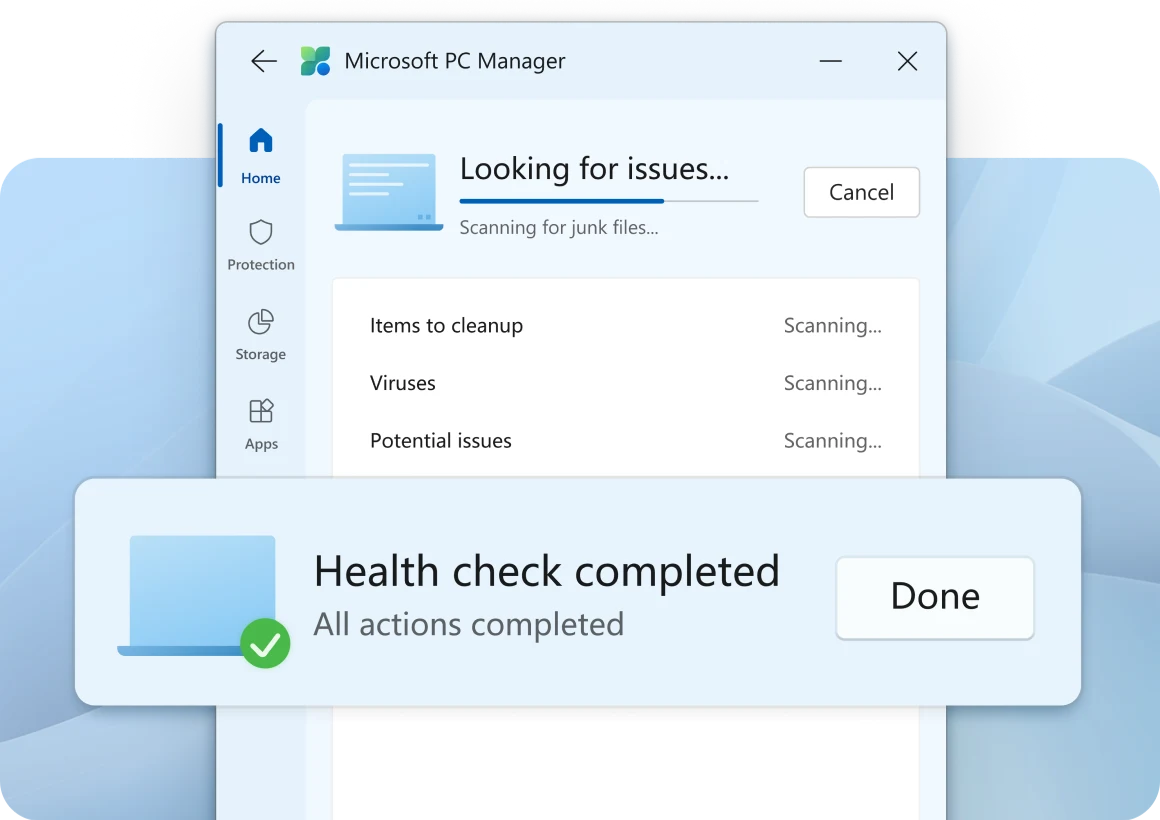
While PC Manager may offer features that mirror popular third parties, but for many users, the main appeal of PC Manager lies in the trust and reliability of a solution developed by Microsoft itself.
Knowing that Microsoft itself is developing the tool to optimize its own product, users have a lot less to worry about compatibility issues or the risks sometimes associated with third-party apps.
With PC Manager, everything works seamlessly within the Windows ecosystem.