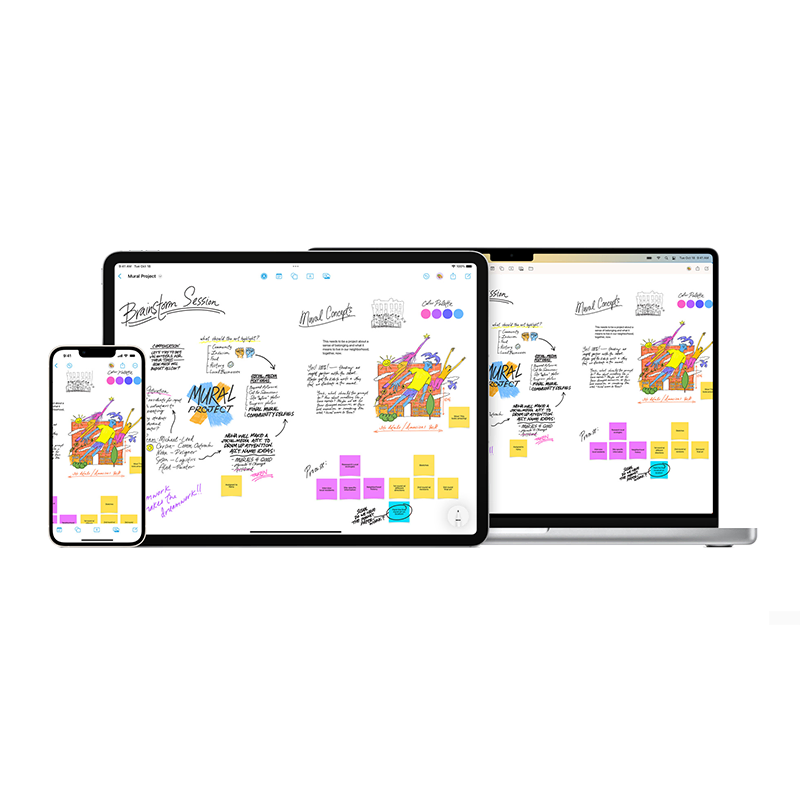
Apple the tech giant is known for many things. But what it's not known for, is to frequently introduce new apps.
This is why when it announced 'Freeform' as an app "designed for creative brainstorming and collaboration," the world quickly took notice. As the first app that Apple has released in years, Freeform is meant to help users organize and visually lay out content on a flexible canvas.
The goal is to give them the ability to see, share, and collaborate on something, all in one place, without worrying about layouts or page sizes.
For starters, users can add a wide range of files and preview them inline without ever leaving the board.
And because it's designed for collaboration, Freeform makes it easy for users to invite others to work together on a board together.
Since Freeform boards are stored in Apple's iCloud, users who collaborate can have their board synced across all of their devices.
In an announcement, Apple quoted Bob Borchers, Apple’s vice president of Worldwide Product Marketing, who said that:
"With an infinite canvas, support for uploading a wide range of files, iCloud integration, and collaboration capabilities, Freeform creates a shared space for brainstorming that users can take anywhere."

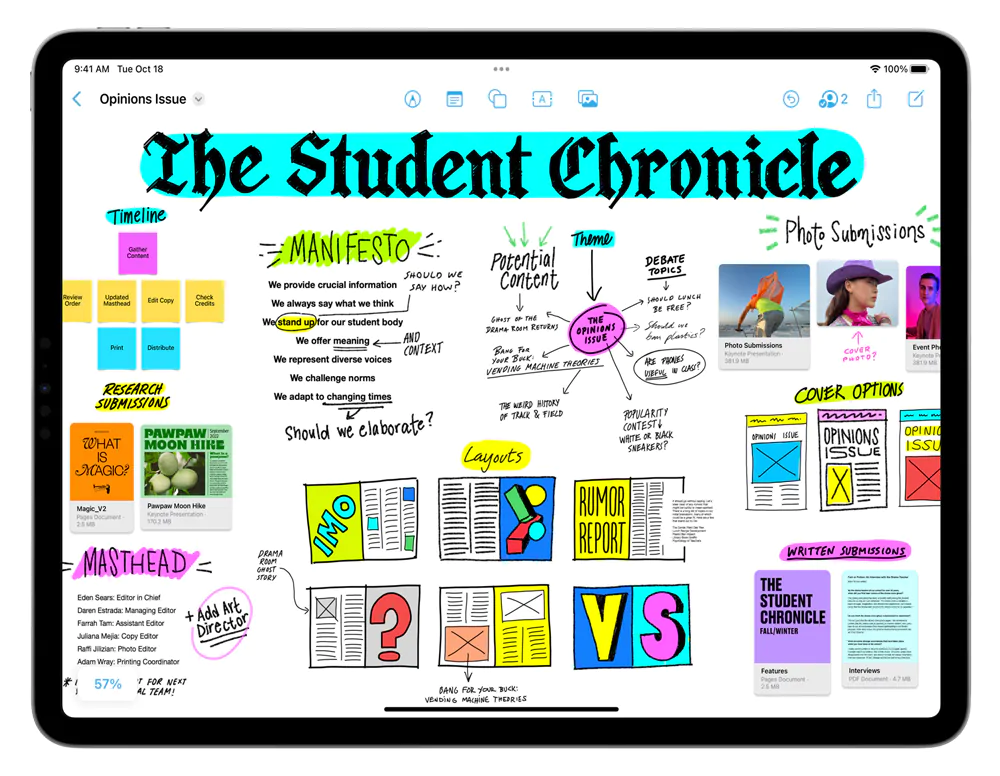
Users can populate the board using a variety of brush styles and color options.
Furthermore, Freeform also supports a wide range of files, including photos, video, audio, documents, PDFs, links to websites and map location links, sticky notes, shapes, diagrams, and more. Users of iPhones and iPads can use the devices' cameras to also insert an image or scanned documents directly into the board.
Users can even drag and drop content onto the board from other apps.
With a full shapes library, Freeform gives users over 700 options to choose from, allowing users to change the color and size, add text, and even create and save personalized shapes.
For iPhone and iPad users, they can draw anywhere on the canvas with their finger. And on devices that support Apple Pencil, using Freeform is even easier.
In short, Freeform is like a blank white canvas that users can literally populate with anything they want.
Users can even collaborate with others while on a FaceTime call.
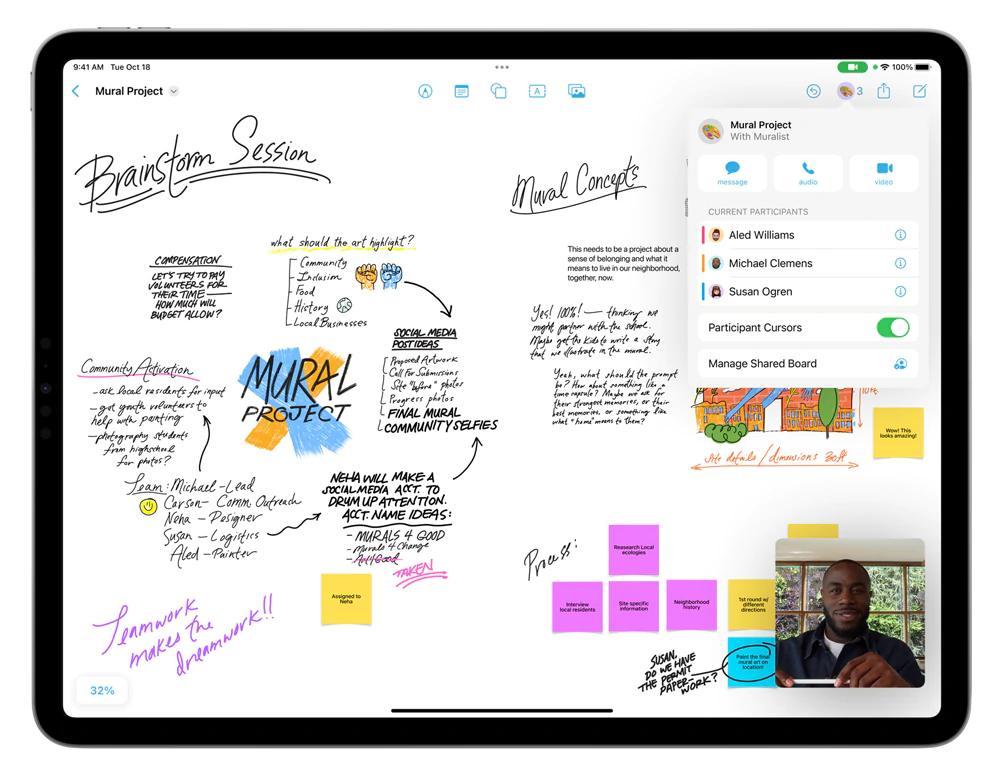
As a collaboration space, Freeform can be useful in cases like when users want to work with others on a project, or when they want to sketch ideas.
With the ability to work with up to 100 collaborators in the same board, the limit of what creativity is allowed is almost endless.
Because of this immense flexibility, Freeform's canvas will automatically expand as more content is added to the board.
While there are other apps for collaborating and that there are also apps that have a shared file system, Apple that is known for its walled garden, is having an advantage since it's able to knit its apps together into one multiuser ecosystem.
This is why Freeform is not a cross-platform tool.
Freeform is only available on every iPhone starting iOS 16.2, on iPad since iPadOS 16.2, and on Mac computer with macOS Ventura 13.1.




















































































































































































































































































